Analytics for Online Galleries: Track Performance
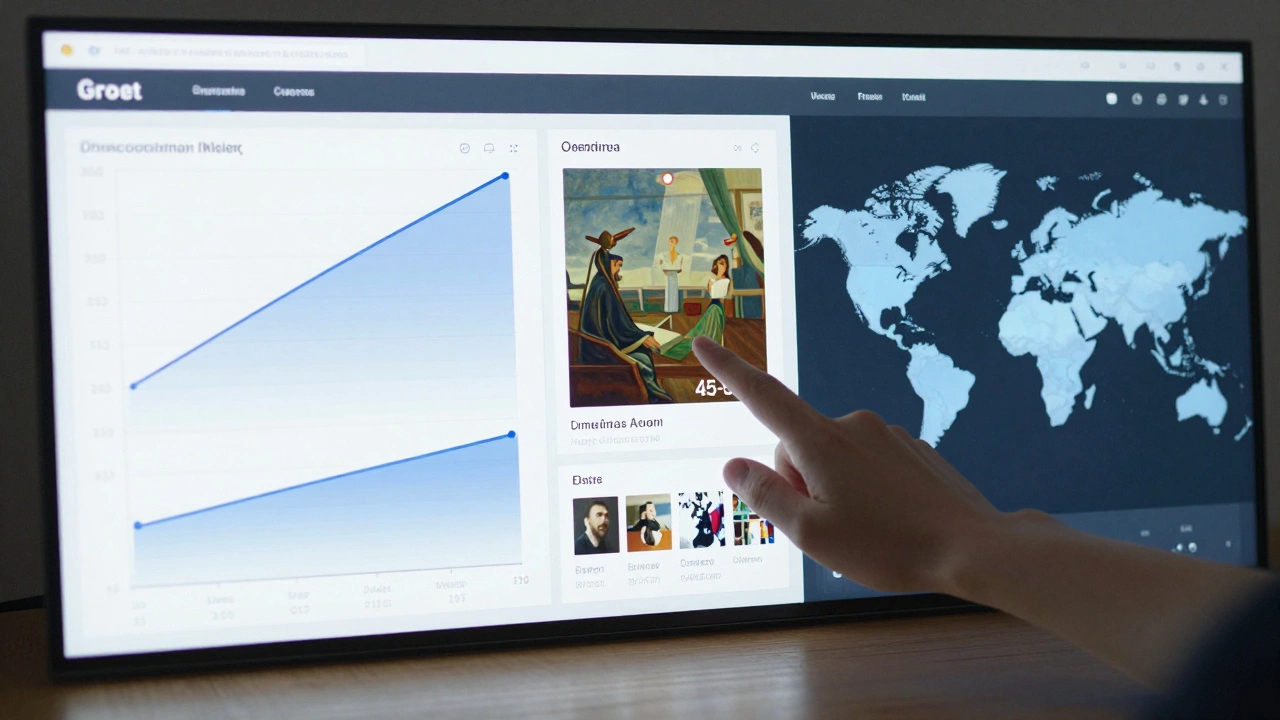
Running an online gallery isn’t just about posting pretty pictures. If you’re not tracking what’s actually happening, you’re flying blind. You might think your latest exhibit is a hit because five people liked it on Instagram. But were those people just scrolling, or did they actually buy something? Did they spend 30 seconds staring at one piece-or leave after two seconds? Without data, you’re guessing. And guessing doesn’t pay the rent.
What You’re Missing Without Analytics
Most online galleries treat their website like a digital brochure. They upload images, write descriptions, and hope for the best. But here’s the truth: traffic doesn’t equal sales. A visitor who clicks through 12 pages is more valuable than someone who lands and leaves in 12 seconds. Without analytics, you can’t tell the difference.
Let’s say you launched a show of abstract watercolors. You got 8,000 page views. Sounds great, right? But if 7,900 of those views came from a single Pinterest pin that led nowhere, and only 12 people even clicked the "Buy Now" button, then your content strategy needs work. Analytics tells you that.
Key Metrics That Actually Matter
Not all numbers are created equal. Here are the five metrics that separate the galleries making sales from those just spinning wheels:
- Conversion rate - How many visitors actually buy? A 1% rate is common. Anything above 2.5% means you’re doing something right.
- Average order value - Are people buying one $300 print, or are they adding three pieces to cart? This tells you if your pricing and bundling strategy works.
- Time on artwork page - If someone spends over 45 seconds on a single piece, they’re seriously considering it. Under 15 seconds? They’re just browsing.
- Bounce rate from artwork pages - High bounce rate? Maybe your prices are too high, the image quality is bad, or the "Buy" button is hidden.
- Return visitor rate - If 30% or more of your traffic comes back, you’ve built trust. That’s rare. Most galleries get 5-8%.
These aren’t vanity metrics. They’re survival metrics. You need to know them every month.
How to Set Up Tracking (Without Being a Tech Expert)
You don’t need to hire a developer. Most online gallery platforms-like Artlogic, ArtStore, or even Shopify with the right theme-let you plug in basic analytics in under an hour.
Start here:
- Sign up for Google Analytics 4 (it’s free).
- Copy the tracking code from GA4 and paste it into your gallery’s footer (most platforms have a setting for this).
- Set up "Events" for key actions: "Viewed Artwork," "Added to Cart," "Completed Purchase."
- For example: When someone clicks "Buy Now," trigger an event called "Purchase Initiated." This tells you which pieces spark interest.
- Use UTM parameters on your social posts. If you post on Instagram, tag the link like:
yourgallery.com/art?utm_source=instagram&utm_campaign=january_show. That way, you know exactly which post drove sales.
That’s it. No coding. No confusion. Just clean data.

What the Data Reveals (Real Examples)
Here’s what a Portland-based gallery saw after six months of tracking:
- One painting got 1,200 views but only 3 sales. The price was $1,800. Turns out, 70% of viewers were from Europe, but shipping costs were $220. They lowered shipping to $75 and sales jumped 400%.
- A series of small ink drawings got 500 views and 25 sales. The average order value was $420-but 80% of buyers added two or three pieces. They started offering "Set of 3 for 15% off" and sales doubled.
- Visitors from the U.S. West Coast spent 2x longer on pages than those from the East Coast. The gallery started running targeted Facebook ads in Oregon and Washington-and saw a 60% increase in conversions.
None of this would’ve been obvious without data. You can’t feel your way to better sales.
Common Mistakes (And How to Fix Them)
Even with analytics turned on, most galleries mess up. Here are the top three errors:
- Ignoring mobile users - Over 65% of traffic comes from phones. If your "Buy" button is tiny or your images load slow on mobile, you’re losing sales. Test your site on a phone every month.
- Not segmenting audiences - Are your buyers collectors? Interior designers? First-time buyers? Use GA4’s audience filters to split them. You’ll see different behaviors. A collector might look at 10 pieces before buying. A first-timer buys the cheapest one. Tailor your messaging.
- Checking data too rarely - Monthly is the minimum. If you wait three months, you’re already behind. Set a calendar reminder: every first Monday, review your top 5 selling pieces and your top 5 bounce pages.

What to Do With the Numbers
Data isn’t useful unless you act on it. Here’s how to turn numbers into decisions:
- If a piece has high views but low sales → lower the price, add a video walkthrough, or move it to your homepage.
- If a piece has low views but high time-on-page → promote it more. Maybe it’s your hidden gem.
- If cart abandonment is high → send a simple email: "You left something behind. Here’s 10% off." It works.
- If your return visitor rate is below 10% → start a newsletter. Send new arrivals, behind-the-scenes studio shots, or artist interviews. People come back for stories, not just art.
Every change you make should be tested. Change one thing at a time. Track the result. Then adjust.
Why This Isn’t Just About Sales
Analytics doesn’t just help you sell more. It helps you build a lasting gallery. You start to understand who your audience really is. Maybe your buyers are mostly teachers in Ohio. Or young professionals in Austin. Once you know that, you can tailor everything: your artist selection, your email tone, your social media content, even your pricing.
It turns your gallery from a random collection of art into a real business with a clear audience, clear strategy, and clear results.
Getting Started Checklist
- ✅ Set up Google Analytics 4 on your site
- ✅ Add tracking for "Viewed Artwork," "Added to Cart," "Purchase Completed"
- ✅ Use UTM tags on all social media links
- ✅ Check your conversion rate and average order value this week
- ✅ Pick one artwork with low sales and test one change (price, image, description)
- ✅ Schedule a monthly review: every first Monday, look at your top 5 bestsellers and top 5 abandoned carts
Start small. One change. One week. See what happens. Then do it again.
Do I need to pay for analytics tools to track my online gallery?
No. Google Analytics 4 is completely free and handles everything most online galleries need. You can track visitors, sales, page views, and user behavior without spending a dime. Paid tools like Adobe Analytics or Mixpanel offer more depth, but they’re overkill unless you’re doing over $500,000 in annual sales.
How often should I check my gallery’s analytics?
Check your key metrics every Monday. Look at your conversion rate, top-selling pieces, and bounce rates. You don’t need to dig into raw data daily, but you should review performance weekly. Monthly is the absolute minimum. If you wait longer, you’ll miss trends before they turn into problems-or opportunities.
What if my website doesn’t have built-in analytics?
If your gallery platform doesn’t let you add Google Analytics, it’s time to upgrade. Platforms like Artlogic, Shopify, or Big Cartel all support it. Even if you’re on a simple website builder like Wix or Squarespace, you can paste the GA4 tracking code into the footer settings. If you can’t add it, your platform is holding you back.
Can analytics help me choose which artists to feature?
Absolutely. Look at which artists’ work has the highest time-on-page and lowest bounce rate. That’s your audience’s real preference-not what you think they like. One gallery in Portland stopped featuring three artists they personally loved and started pushing two others based on data. Sales went up 47% in two months.
Is it worth tracking where visitors come from?
Yes. If 80% of your sales come from Instagram, but you’re spending hours on Pinterest, you’re wasting time. Use UTM tags to see which platforms actually drive buyers. One gallery found that LinkedIn referrals had the highest average order value-even though they had almost no traffic. They shifted their ad budget and doubled their revenue from B2B buyers.