Run-of-Show Documents for Gallery Events: Essential Templates & Guides

Why Your Gallery Event Needs a Run-of-Show
You spend weeks curating the perfect collection and designing the wall layouts. Then comes the day of the opening. Without a clear plan, even small details slip through the cracks. Is the sound system tested? Did the caterer arrive early enough? When exactly does the artist talk start?
A Run-of-Show document is a minute-by-minute timeline that guides every participant through an event from setup to teardown. In the context of Gallery Events, this document acts as the central nervous system for the operation.I have seen openings fail not because of bad art, but because the lighting didn't turn on, or the security team let people leave before they were supposed to. A solid timeline prevents these disasters. It gives your team confidence and ensures guests have a smooth experience.
The Core Components of a Gallery Schedule
A generic event checklist isn't enough. Gallery events require specific logistical support around artwork safety, guest flow, and media interaction. Here are the non-negotiable elements you must include in your planning doc.
Time and Location Details
Start with the basics. List the exact start and end times. Include the full address and parking instructions for staff and vendors, not just guests. If you are hosting an artist talk, specify which room holds the seating capacity versus where the main exhibition happens. Confusion about location leads to late arrivals.
Staff Roles and Responsibilities
List who is doing what. Assign names, not job titles. Everyone needs to know their contact number. For example:
- Venue Manager: Keys, lighting control, door access.
- Curator: Art placement checks, artist liaison.
- Security: Crowd control, artwork monitoring.
- Welcome Desk: Badge distribution, name tags, guest book.
Vendor Coordination
You aren't running this alone. Caterers, audio technicians, and florists all need their own windows. Do not just write "Catering." Write: "Caterer arrives at 14:00 to set up buffet station." This specificity protects your timeline from vendor delays eating into your prime viewing hours.
Guest Experience Flow
How do people move through the space? You need to note when doors open for entry and when they close for the artist talk. Consider a "soft opening" period where invited press gets a quick preview before the general public enters. This reduces crowding and allows for better press photos.
Your Customizable Template Structure
Creativity thrives within constraints. Below is a structural template you can adapt for any size event, from a small intimate showing to a grand museum gala. Fill in the brackets with your specific data.
| Time Block | Action Item | Responsible Party | Notes/Requirements |
|---|---|---|---|
| T-Minus 2 Hours | Site Arrival & Setup | Venue Team | Unlock doors, test HVAC, place floor markers |
| -1 Hour | Vendor Load-In | Logistics Lead | Catering setup, AV equipment check |
| -30 Mins | Final Walkthrough | Curator / Director | Verify art labels, check sightlines, music playlist ready |
| Show Time | Doors Open / Reception | Ushers / Greeters | Check coats, offer drinks, manage flow |
| +1 Hour | Artist Introduction | Moderator / Artist | Microphone test prior to speech |
| +2 Hours | Soft Close / Cleanup | Clean-up Crew | Music fade out, secure cash register, lock doors |
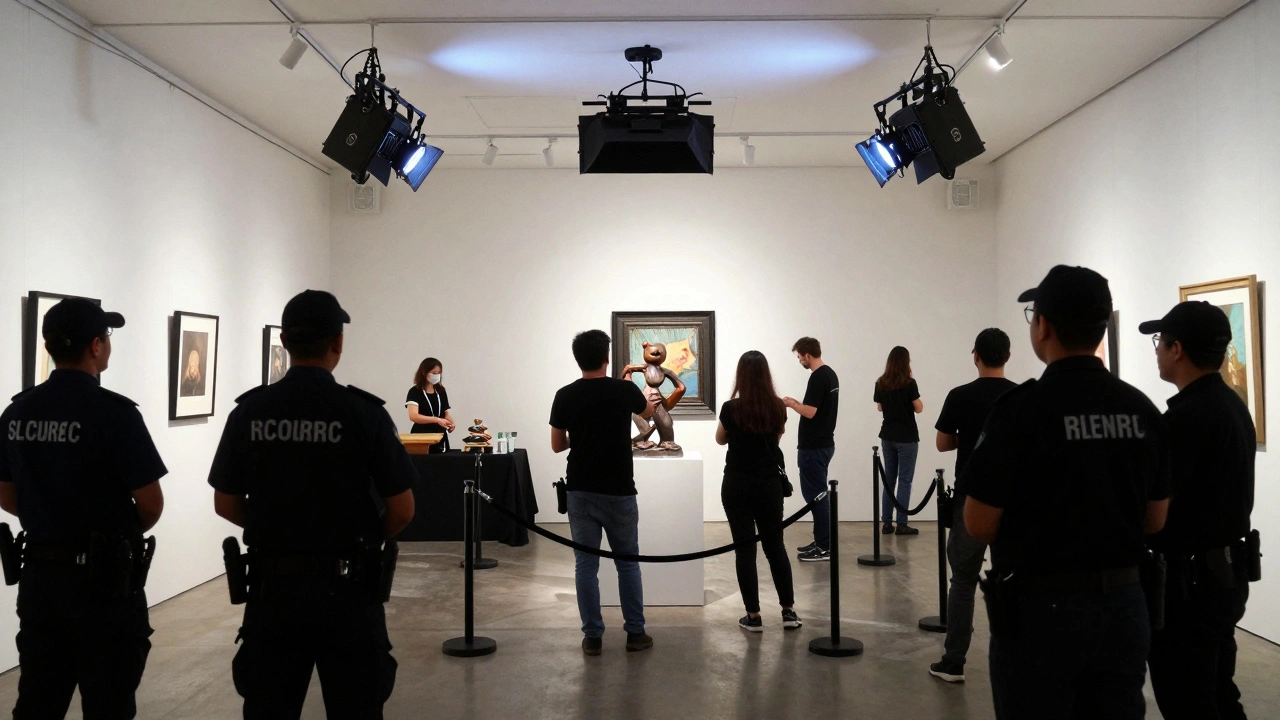
This table serves as your master view. You might need multiple copies depending on the team size. Hand out physical sheets to lead staff and keep digital versions on tablets if your team is tech-savvy.
Managing the Artist Talk Segment
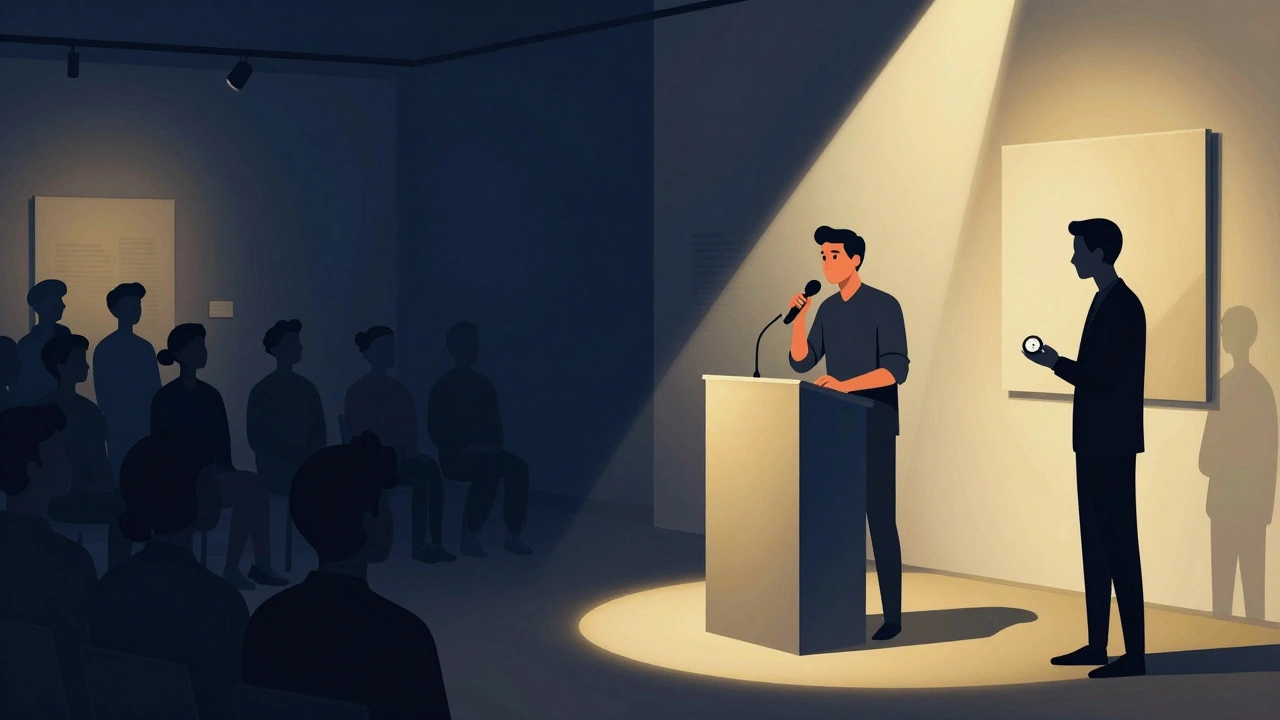
One of the most common friction points at gallery openings is the scheduled speaker. You invite the artist, but you don't always know how long they intend to speak. The risk is running past your venue rental window.
To manage this, set a strict duration limit in your schedule (e.g., 20 minutes max). Brief the moderator ahead of time so they know how to signal when to wrap up. Also, include a "buffer" block immediately following the talk. If the audience asks a great question and conversation extends, you won't cut off the social mingling abruptly.
Ensure the technical rider for the artist is part of this document. Does the artist need a projector? A specific type of chair? If these needs aren't listed in the run-of-show, the technician won't prepare them in advance.
Contingency Plans for Common Failures
Even the best plans face reality. Good documentation includes a section for "If/Then" scenarios. This is where professional event management separates itself from amateur efforts.
- If Power Fails: Flashlights are placed at the entrance. Emergency contacts for electrician are on the wall by the breaker box.
- If Catering is Late: Water stations are pre-stocked. Have a backup snack option available if the hot food does not arrive by peak time.
- If Tech Glitches Occur: Have a hard-wired backup mic. Bluetooth mics drop signals; wired is reliable.
Include emergency exit routes in your document. Galleries often have unique layouts that differ from standard commercial buildings. Your security team needs to know the quickest way to evacuate attendees without damaging the artwork.
Digital Tools vs. Printed Copies
In 2026, many teams rely on shared cloud documents. Tools like Google Sheets or Trello boards work well for collaboration before the event. However, on the day of the show, internet connectivity can be spotty in older historic buildings converted into galleries.
I recommend a hybrid approach. Share a live digital version for real-time updates during the planning phase. Print five high-quality copies for the actual event day. Laminate them if possible. Wet wine glasses are a constant threat to paper documents. Laminated timelines allow staff to use dry-erase markers to mark tasks as completed.
Assign one person specifically to update the timeline if changes happen. If the artist runs 10 minutes late, everyone else needs to know to delay dinner service accordingly. This single point of truth prevents misinformation spreading through the staff.
Troubleshooting Logistics Before Launch
Before you finalize the document, hold a walkthrough meeting. Bring your team to the empty space with the schedule in hand. Physically walk the timeline. Ask questions like "Can we actually set up the bar here in 30 minutes?" Sometimes the theory works on paper, but the corridor is too narrow for the catering cart.
If you notice bottlenecks during the walk-through, adjust the times in your run-of-show immediately. A realistic schedule beats a pretty schedule every time. Guests forgive minor delays, but they resent waiting in lines that could have been prevented.
What is the difference between an agenda and a run-of-show?
An agenda lists topics or speakers for the audience, usually at a high level. A run-of-show is a detailed operational blueprint for the organizers, including minute-by-minute timing, technical cues, and staff responsibilities. One is for the guests; the other is for the crew.
How far in advance should I create a run-of-show?
For large gallery events, start drafting four weeks before. Finalize the draft two weeks prior. Update it continuously as vendor contracts are signed. Never wait until the week of the event to build the schedule from scratch.
Who holds the responsibility for the final schedule approval?
The primary Event Coordinator or Gallery Director usually signs off on the final document. They must sign-off after confirming availability with all key vendors and staff members.
Should I share the full timeline with guests?
No. Guests receive a program with the high-level highlights (opening doors, artist talk time). Sharing the full operational timeline creates expectations that staff cannot always meet publicly and causes confusion regarding logistics.
How do I handle last-minute schedule changes during the event?
Designate one "Timekeeper" whose sole job is to watch the clock and alert the Event Coordinator of deviations. They communicate necessary shifts directly to the relevant vendor leads, avoiding the 'telephone game' effect.