Personalized Art Recommendations for Individual Collectors: A CRM Guide

Imagine this: you’re holding a conversation with a client who bought a contemporary abstract piece three years ago. They mention their new home renovation, the specific shade of blue they used on the living room walls, and how they’ve started collecting vintage photography. Without looking at any notes, you suggest a specific mid-century modern photograph that complements the blue tones and fits their emerging interest in documentary styles. That’s not magic; it’s data.
For individual collectors, the gap between a generic gallery visit and a lifelong patronage is often filled by personalized art recommendations. But achieving this level of insight requires more than just good memory. It demands a structured approach to tracking preferences, purchase history, and lifestyle changes. This is where Customer Relationship Management (CRM) systems become indispensable tools for galleries, dealers, and independent curators working with high-net-worth individuals or dedicated hobbyists.
The Shift from Transactional to Relational Selling
In the past, art sales were often transactional. You sold a painting, shook hands, and hoped the client returned. Today, the landscape has shifted dramatically. Collectors are sophisticated buyers who view art as an asset class, a personal statement, and a community entry point. They don’t just want products; they want curation. They want someone who understands their taste evolution.
This shift means that your value proposition isn't just the artwork on the wall; it's the advisory service surrounding it. When you use a CRM to track every interaction, you move from being a vendor to being a trusted advisor. For example, if a client buys a large-scale oil painting, your system should flag that they might need lighting adjustments or conservation advice. If they attend a specific artist's opening, your system should note their engagement level. These small data points build a profile that allows for hyper-specific suggestions.
Building the Collector Profile: What Data Matters?
Not all data is created equal. When setting up your CRM for art sales, focus on attributes that directly influence aesthetic preference and purchasing behavior. Here are the core entities you need to track for each individual collector:
- Collection History: Every piece purchased, including price, date, and artist. This reveals budget ranges and stylistic consistency.
- Aesthetic Preferences: Tags for mediums (oil, digital, sculpture), periods (Renaissance, Contemporary), and themes (landscape, portrait).
- Lifestyle Triggers: New home purchases, office renovations, corporate gifting needs, or inheritance events.
- Interaction Notes: Comments made during visits, emails opened, and artworks lingered upon but not bought.
- Budget Indicators: Average spend per year and maximum single-item limit.
Let’s look at a concrete example. Suppose you have a client named Sarah. She bought two watercolor landscapes last year. Her CRM profile shows she spent $4,000 total. However, her notes indicate she recently moved to a condo with smaller windows and less natural light. A generic recommendation might be another landscape. A personalized recommendation, driven by this data, would be a smaller, brighter mixed-media piece that doesn’t rely on ambient light for visibility. This specificity builds trust.
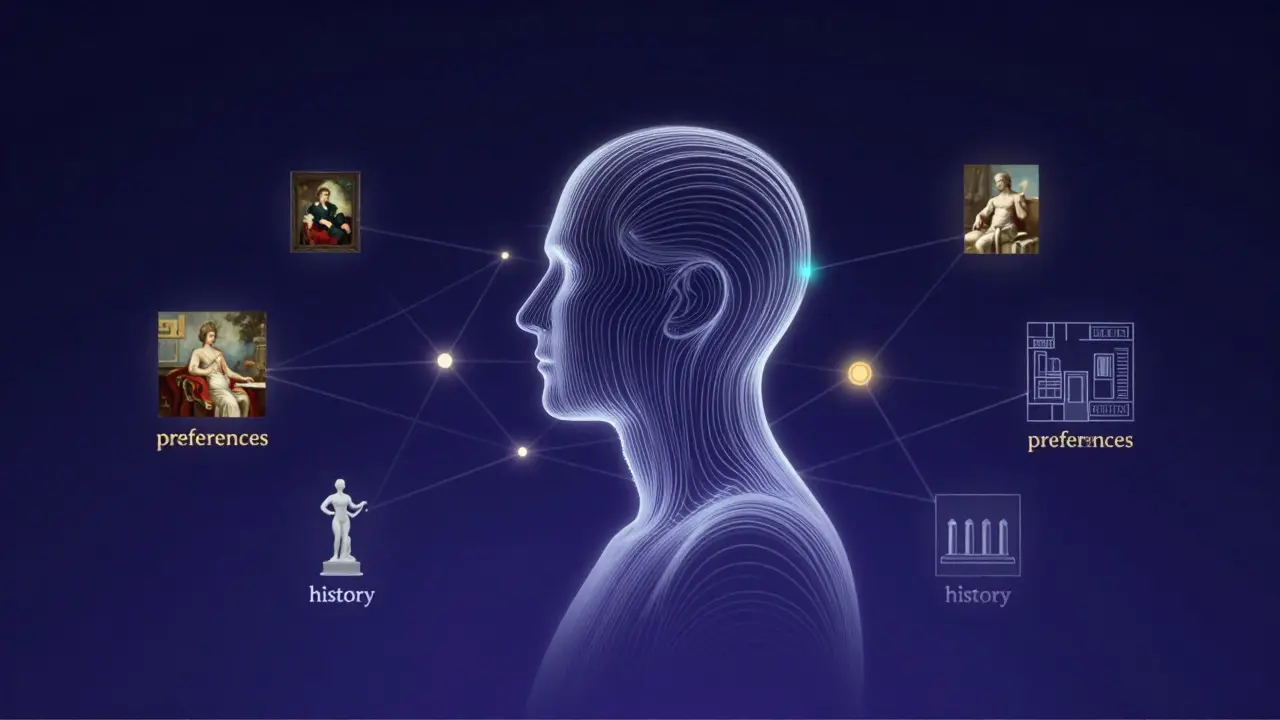
How CRM Systems Enable Personalization
Most standard CRMs are built for B2B software or retail. Art CRMs need to handle visual assets and subjective preferences. The key feature here is tagging and segmentation. Instead of just storing contact info, you create dynamic segments based on behavior.
Consider these semantic connections within your database:
- Client [has preference for] Minimalist Sculpture.
- Client [visited] Gallery Show X [on Date Y].
- Artist Z [creates] Minimalist Sculpture.
- System [suggests] Artist Z [to Client] [because of shared tag].
When a new work by Artist Z arrives, your CRM can automatically alert you that Sarah, who prefers minimalist sculpture, hasn’t been contacted about similar works in six months. You then craft a message referencing her previous purchase and the new piece’s material similarity. This isn’t spam; it’s relevant curation.
| Feature | Manual/Spreadsheet Approach | Integrated Art CRM Approach |
|---|---|---|
| Data Accuracy | Low (prone to human error) | High (centralized, real-time updates) |
| Recommendation Speed | Slow (requires manual search) | Instant (automated alerts and filters) |
| Scalability | Poor (breaks down with 50+ clients) | Strong (handles hundreds of profiles easily) |
| Insight Depth | Surface-level (purchase history only) | Deep (includes behavioral and lifestyle data) |
| Collaboration | Difficult (single user access) | Easy (team-wide visibility and notes) |
Practical Steps to Implement Your System
You don’t need enterprise-grade software to start. Many galleries use specialized platforms like ArtBase, Trello with custom boards, or even customized spreadsheets linked to email marketing tools. The goal is consistency. Here is a simple workflow to get started:
- Digitize Your Inventory: Ensure every artwork in your collection has detailed metadata: artist, medium, dimensions, provenance, and tags.
- Create Collector Profiles: Input historical data for your top 20 clients. Don’t worry about perfection; capture what you know now.
- Define Tagging Rules: Agree on a consistent vocabulary. Is it "Abstract" or "Non-objective"? Pick one and stick to it.
- Set Up Alerts: Configure notifications for when new inventory matches a client’s primary tags.
- Review Quarterly: Spend one hour a quarter reviewing inactive clients. Did they buy? Did they visit? Update their status accordingly.
Consistency is key. If you forget to log a client’s comment about loving earth tones, you lose that nuance. Make logging part of your post-interaction routine. After every meeting, spend five minutes updating the profile. This small habit compounds over time into a powerful predictive tool.

Common Pitfalls to Avoid
Even with the best tools, you can fail if you misuse them. Here are three common mistakes:
- Over-Tagging: Adding too many tags makes filtering difficult. Stick to 3-5 primary tags per client.
- Ignoring Negative Signals: If a client views a piece and walks away, note why. "Too dark," "Wrong scale," or "Pricey." These negatives are as valuable as positives.
- One-Size-Fits-All Communication: Sending the same newsletter to everyone dilutes the personal touch. Use your CRM to segment emails so that collectors interested in photography receive photography news, while sculpture enthusiasts receive sculpture updates.
Remember, the goal is to make the collector feel seen. When they open an email and see a piece that feels like it was chosen specifically for their space and taste, the barrier to purchase drops significantly. This emotional resonance is what drives repeat business in the art world.
Frequently Asked Questions
What is the best CRM for small art galleries?
There is no single "best" CRM, as needs vary. For small galleries, specialized tools like ArtBase or GallerySys are popular because they handle image-heavy inventories well. Alternatively, general-purpose CRMs like HubSpot or Salesforce can be customized with custom fields for art metadata, though they require more initial setup. The key is choosing a platform that allows for easy tagging and visual previews.
How much data do I really need to personalize recommendations?
You need less data than you think. The minimum viable dataset includes: purchase history, preferred mediums, and budget range. Once you have these three pillars, you can make decent recommendations. As you add lifestyle data (like home size or color palettes), the accuracy improves, but the core value comes from understanding their taste and financial capacity.
Is it intrusive to track client preferences this closely?
Generally, no. Most collectors appreciate being remembered. In fact, failing to remember their preferences is often more intrusive because it forces them to re-explain their tastes. Just ensure you communicate that you are using the data to serve them better, and respect privacy laws regarding data storage.
How do I handle clients who collect multiple genres?
Use hierarchical tagging. Assign a primary genre (e.g., Contemporary Abstract) and secondary interests (e.g., Vintage Photography). When recommending, prioritize the primary genre unless the secondary interest aligns with a current trend or new acquisition. This prevents overwhelming the client with irrelevant suggestions.
Can I use a spreadsheet instead of a CRM?
Yes, especially if you have fewer than 50 active clients. A well-organized spreadsheet with columns for Name, Last Purchase, Preferred Medium, Budget, and Notes can work effectively. The main drawback is lack of automation. You will need to manually filter and send emails, which takes more time but offers full control over the process.