Online Documentation for Galleries: Choosing the Right Catalog System
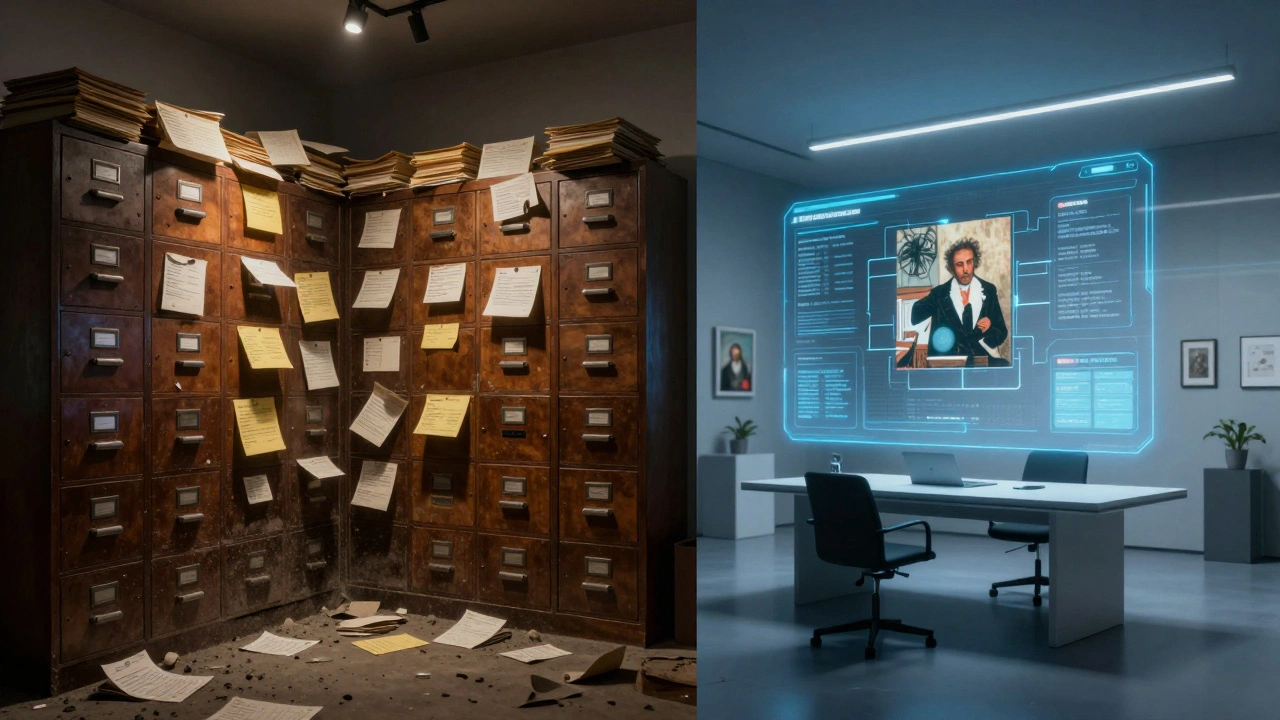
Running an art gallery isn't just about hanging paintings on walls anymore. If you're selling work today, your physical space is only half the story. The other half lives in your **online documentation**. Without a solid system to track every brushstroke, provenance detail, and condition report, you are flying blind. You might have a stunning show, but if you can't instantly pull up the history of a piece when a collector asks, you lose the sale. That is why choosing the right catalog system is not just an IT decision; it is a business survival strategy.
The Shift from Paper Filing to Digital Truth
Remember the filing cabinets? The ones that smelled like dust and old paper? For decades, galleries relied on index cards or Excel spreadsheets to manage their inventory. It worked fine when you had fifty pieces. But as your roster grows, so does the risk. A lost card means a lost record. A corrupted spreadsheet means chaos during tax season or an insurance claim. Modern Digital Inventory Management is the process of using specialized software to track, document, and manage art assets throughout their lifecycle. This shift is no longer optional. It is the backbone of trust in the art market.
When we talk about online documentation, we aren't just talking about photos. We are talking about a single source of truth. This includes high-resolution images, certificates of authenticity, exhibition histories, and ownership chains (provenance). A robust system connects these dots automatically. When you update a price or mark a piece as sold, every connected platform-your website, your CRM, your accounting software-should reflect that change instantly. Manual updates lead to errors. Errors lead to embarrassment. And in the world of high-end collectibles, embarrassment costs money.
Core Features Every Gallery Needs
Not all software is created equal. Some tools are built for museums with millions of dollars in budget. Others are designed for solo artists selling prints on Etsy. As a gallery owner, you need something in the middle. Here is what you must look for before signing any contract.
- Provenance Tracking: The system must allow you to log every previous owner, auction result, and publication mention. This is critical for verifying authenticity and value.
- High-Res Image Hosting: Your server needs to handle large files without slowing down. Buyers want to zoom in to see texture and brushwork.
- Condition Reporting: Art moves. It gets damaged. You need a way to timestamp and document the state of a piece before it leaves your care and when it returns.
- API Integrations: Does the system talk to your e-commerce platform? Your email marketing tool? If you have to copy-paste data between apps, you are wasting time.
- Role-Based Access: Assistants should be able to add tags, but only you should be able to approve sales or change pricing structures.
If a vendor cannot check these boxes, keep looking. Convenience now saves headaches later.
Top Catalog Systems Compared
The market is crowded with options. To help you decide, let's break down the leading players. These platforms dominate the conversation because they balance power with usability. They serve different types of galleries, so pick the one that matches your scale.
| System Name | Best For | Key Strength | Pricing Model |
|---|---|---|---|
| Artlogic | Mid-to-large commercial galleries | Deep integration with major art fairs and CRMs | Custom quote based on volume |
| Napier | Boutique galleries and emerging artists | User-friendly interface and quick setup | Monthly subscription per user |
| Collected | Private collectors and small dealers | Beautiful visual presentation and mobile app | Tiered annual fees |
| TMS (The Museum System) | Institutional museums and non-profits | Rigorous compliance and archival standards | High implementation cost + maintenance |
Artlogic is the heavyweight champion. It powers some of the most famous galleries in New York and London. If you are sending work to Frieze or Art Basel, Artlogic ensures your data formats match their requirements seamlessly. However, it has a steep learning curve. You will likely need dedicated training.Napier, on the other hand, feels lighter. It gets out of your way. It’s perfect if you want to start documenting your inventory this afternoon without hiring a consultant. Collected shines in its aesthetic appeal. It turns your database into a browsable portfolio that looks great on an iPad. Finally, TMS is overkill for most commercial galleries. It is built for institutions that need to comply with strict federal grant reporting and archival laws. Unless you are a museum, skip it.

Why Provenance Is Your Most Valuable Asset
Let’s talk about trust. In the art world, provenance is everything. A painting by a known artist is worth $10,000. That same painting with a documented history linking it to a famous collection or a major exhibition could be worth $100,000. Your catalog system is the guardian of this history.
Many galleries make the mistake of treating provenance as an afterthought. They add it when a buyer asks. By then, it’s too late. The best practice is to record provenance at the moment of acquisition. Who sold it to you? What was the invoice number? Where did it come before? Store scans of receipts, letters, and labels directly in the file. Modern systems use optical character recognition (OCR) to search through scanned documents. Imagine typing "Smith Estate" and having the system pull up a letter from 1985 confirming ownership. That is the kind of efficiency that wins deals.
Furthermore, blockchain technology is beginning to intersect with traditional cataloging. While still early, some platforms are experimenting with immutable ledgers to verify authenticity. Even if you don’t use NFTs, understanding how digital verification works will protect your reputation against forgery claims.
Integrating Sales Channels Seamlessly
Your catalog doesn't live in a vacuum. It feeds your website, your social media, and your private client lists. Fragmentation is the enemy. If your website says a piece is available, but your internal system shows it as sold, you have a problem. This is called overselling, and it destroys credibility.
The solution is API-driven synchronization. An Application Programming Interface (API) allows two software programs to talk to each other. When you mark a work as "Sold" in your catalog system, the API sends a signal to your Shopify or WooCommerce store to remove the item immediately. It also triggers an email to your waitlist. This automation removes human error. It ensures that every touchpoint reflects reality.
Consider the customer journey. A collector sees a post on Instagram. They click through to your site. They view the high-res image pulled from your catalog. They request more info. The inquiry goes straight into your CRM, linked to that specific artwork ID. When you call them, you know exactly what they looked at. This level of personalization is impossible with disjointed systems.

Data Security and Backup Protocols
You are storing valuable intellectual property. Hackers target galleries because art is a liquid asset. If your database is breached, sensitive client information and exclusive inventory details could leak. Security is not a feature; it is a requirement.
Ask your vendor these questions:
- Where is the data hosted? Look for servers in regions with strong privacy laws, like the EU or US.
- Do they offer encryption? Data should be encrypted both at rest (in the database) and in transit (when moving between devices).
- What is the backup frequency? Daily backups are standard. Hourly is better.
- Can you export your data? Never lock yourself into a platform. Ensure you can download a full CSV or SQL dump of your records if you decide to switch providers.
I once knew a gallery director who lost three years of records because their cloud provider went bankrupt and didn't offer easy exports. He had to rebuild his entire archive from paper invoices. Don't be that person. Test your export function annually. Treat your data like cash.
Future-Proofing Your Collection
The art market is changing. Virtual reality exhibitions, AI-driven valuation tools, and global online auctions are becoming normal. Your catalog system needs to be flexible enough to adapt. Avoid proprietary formats that trap your data. Stick to open standards where possible.
Also, think about scalability. Will the system handle 100 works? 1,000? 10,000? Some platforms charge per item, which becomes expensive as you grow. Others charge per user. Calculate your total cost of ownership over five years, not just the first month. A cheap system today might cost you thousands in migration fees tomorrow.
Finally, remember that technology serves people. Train your staff. Create simple guidelines for entering data. Consistency is key. If one assistant uses "Blue" and another uses "Azure," your search function breaks. Set rules early. Define your taxonomy. Make documentation a habit, not a chore.
How much does a gallery catalog system typically cost?
Costs vary widely. Boutique solutions like Napier may start around $50-$100 per user per month. Enterprise systems like Artlogic often require custom quotes ranging from several thousand to tens of thousands of dollars annually, depending on storage needs and integrations. Always factor in implementation fees and training costs.
Can I migrate my existing Excel spreadsheet to a new system?
Yes, most modern systems support CSV imports. However, clean your data first. Remove duplicates, standardize date formats, and ensure all fields match the new system's requirements. Many vendors offer import assistance services for a fee, which is worth considering for large datasets.
Is cloud-based storage safe for sensitive client information?
Cloud storage is generally safer than local servers if the provider uses strong encryption and regular backups. Reputable gallery software providers comply with GDPR and other privacy regulations. Always enable two-factor authentication for all user accounts to prevent unauthorized access.
What is the difference between a CRM and a catalog system?
A CRM (Customer Relationship Management) focuses on people: clients, collectors, and leads. A catalog system focuses on objects: artworks, sculptures, and documents. The best workflows integrate both, linking client inquiries directly to specific artwork records for seamless tracking.
Do I need special software for managing NFTs or digital art?
Traditional catalog systems are adapting to include digital assets. Look for features that support metadata tagging for blockchain IDs and wallet addresses. Some newer platforms specialize in hybrid collections, allowing you to manage physical and digital works in one unified interface.