Museum Accessibility Guide: Wheelchairs, Captions & Tactile Tours
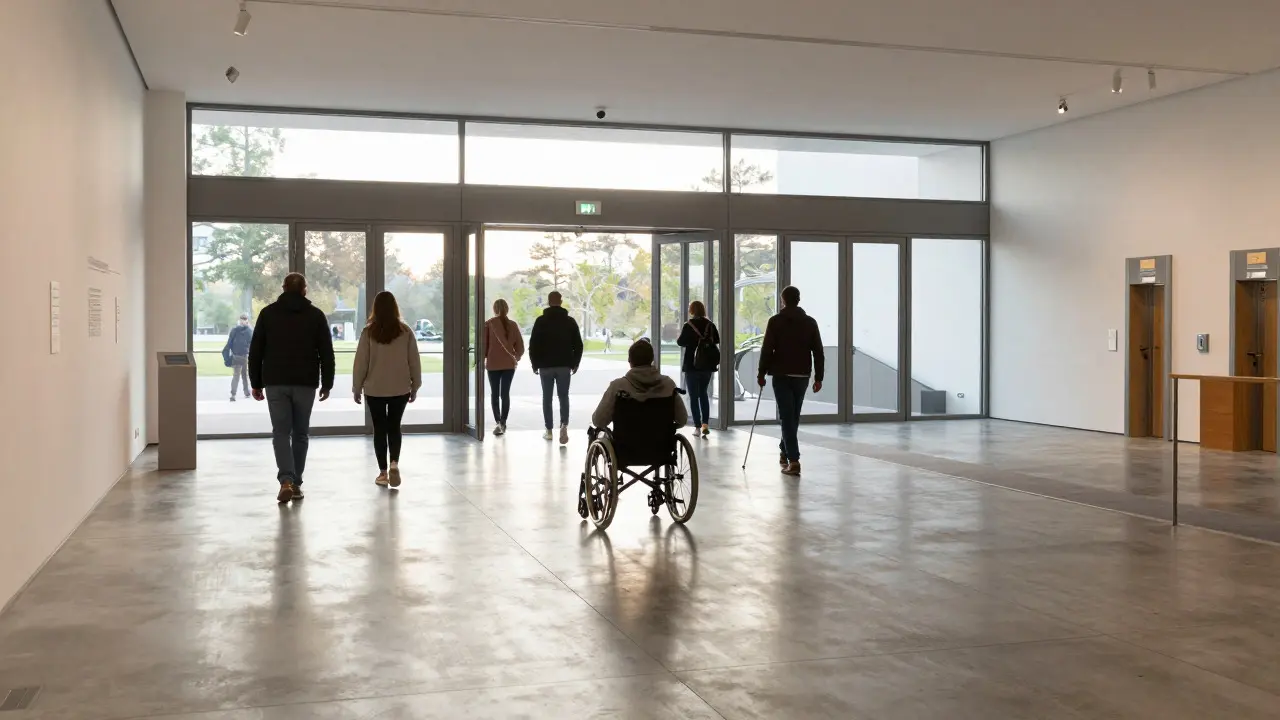
Walking into a museum can feel like stepping into another world. But for millions of visitors, that threshold is higher than it should be. Whether you’re navigating with a wheelchair, relying on captions because of hearing loss, or exploring art through touch rather than sight, the experience shouldn’t hinge on whether the institution remembered to provide the right tools. Museum accessibility is the practice of designing spaces, programs, and services to ensure equitable access for people with diverse physical, sensory, and cognitive needs. It’s not just about ramps; it’s about reimagining how we consume culture.
In 2026, the gap between "accessible" and "welcoming" is still wide. Many institutions offer a wheelchair at the front desk, but do they have staff trained to guide you through narrow corridors? Do they offer live captioning for lectures, or just a static PDF summary? This guide breaks down exactly what to look for, how to prepare, and which specific accommodations-like tactile tours and audio description-are changing the game.
Understanding the Core Pillars of Accessible Visits
Accessibility in museums isn't a single feature; it's an ecosystem. To get the most out of your visit, you need to understand the three main pillars: mobility, auditory/visual support, and sensory engagement. Each pillar addresses different barriers, and often, you’ll need a combination of them.
- Mobility: Focuses on physical movement. This includes wheelchair availability, elevator maintenance, aisle width, and seating options.
- Auditory & Visual Support: Addresses communication gaps. This involves hearing loops, live captioning, large-print guides, and braille labels.
- Sensory Engagement: For those who process information differently. This includes tactile replicas, quiet hours, and sensory maps.
The best museums integrate these seamlessly. Instead of asking "Where is the wheelchair?", you ask, "What is my optimal path through this exhibit?" The answer depends on your specific needs, which is why personalization is key.
Wheelchair Access: More Than Just a Loaner Chair
Most major museums lend out wheelchairs for free. However, the quality varies wildly. A standard loaner chair might be fine for flat, open galleries, but it can be a nightmare in crowded or uneven spaces. If you use your own wheelchair, check the aisle widths online. Ideally, aisles should be at least 36 inches wide to allow for passing. In tight historical buildings, this is rarely guaranteed.
If you plan to borrow a chair, arrive early. Popular museums run out by mid-morning. Here are some pro tips for wheelchair users:
- Check the floor type: Carpeted floors can make manual wheeling exhausting. Look for exhibits with hard flooring or smooth transitions.
- Locate rest areas: Don't wait until you're tired. Identify benches or seating clusters every 15-20 minutes of walking distance.
- Ask about companion seats: If visiting with a partner, confirm if there are adjacent seats for both of you, not just one side of the gallery.
- Verify elevator status: Elevators go down more often than you’d think. Check social media or call ahead if the museum has multiple floors.
For power chair users, ensure the museum has accessible parking close to the entrance. Some places mark spots far away, forcing a long walk across gravel or grass, which defeats the purpose of the vehicle.
Captions, Audio Descriptions, and Hearing Loops
Deaf and hard-of-hearing visitors often face invisible barriers. While many museums offer printed transcripts, they lack the timing and context of live events. Live captioning is the gold standard for lectures and guided tours. It displays spoken words in real-time, allowing you to follow the narrative without missing nuance.
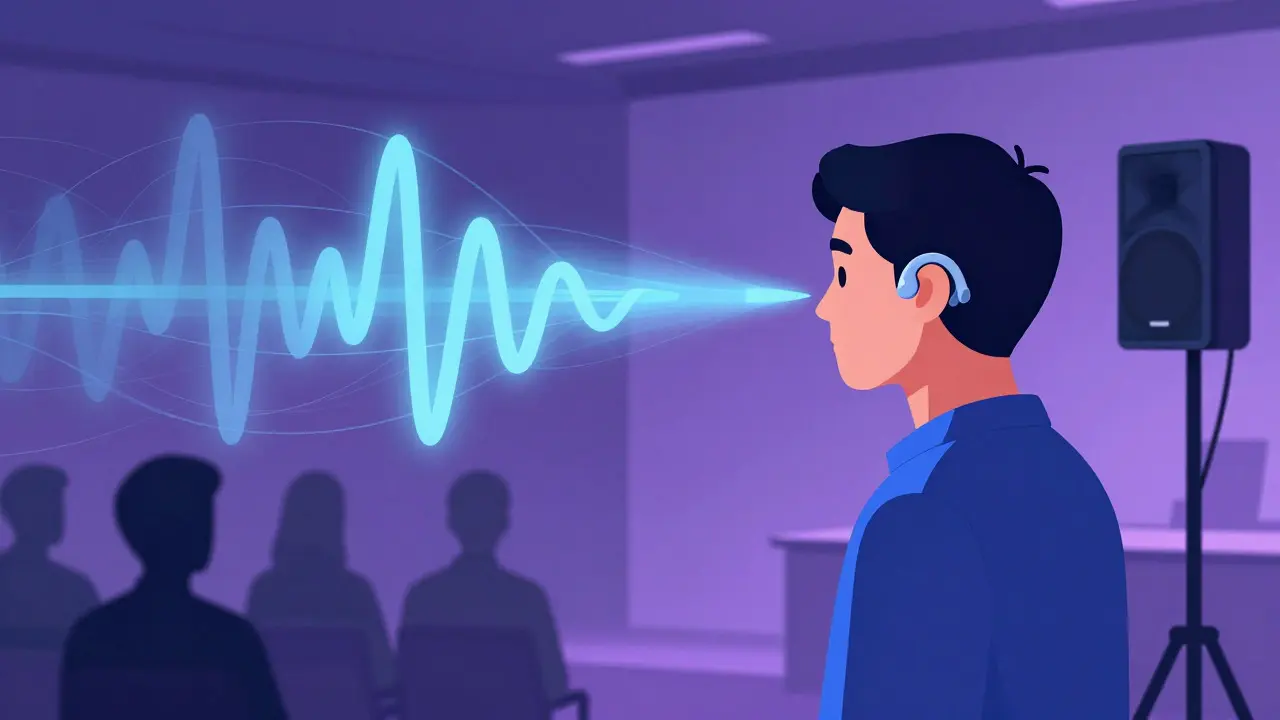
For self-guided visits, look for apps or kiosks that offer synchronized captions for video installations. Not all videos are captioned, so check the exhibit map for "captioned content" icons. If you rely on hearing aids, ask about hearing loops (also known as induction loops). These systems transmit sound directly from the speaker to your hearing aid, cutting out background noise. They are installed in auditoriums and lecture halls, making the audio crystal clear.
Audio description is equally vital for blind and low-vision visitors. It provides verbal narration of visual elements during pauses in the performance or exhibition. For example, in a painting, the describer might say, "The artist uses thick, jagged brushstrokes in the upper left corner, creating a sense of tension." This turns a visual experience into an auditory one, preserving the artistic intent.
Tactile Tours: Touching History and Art
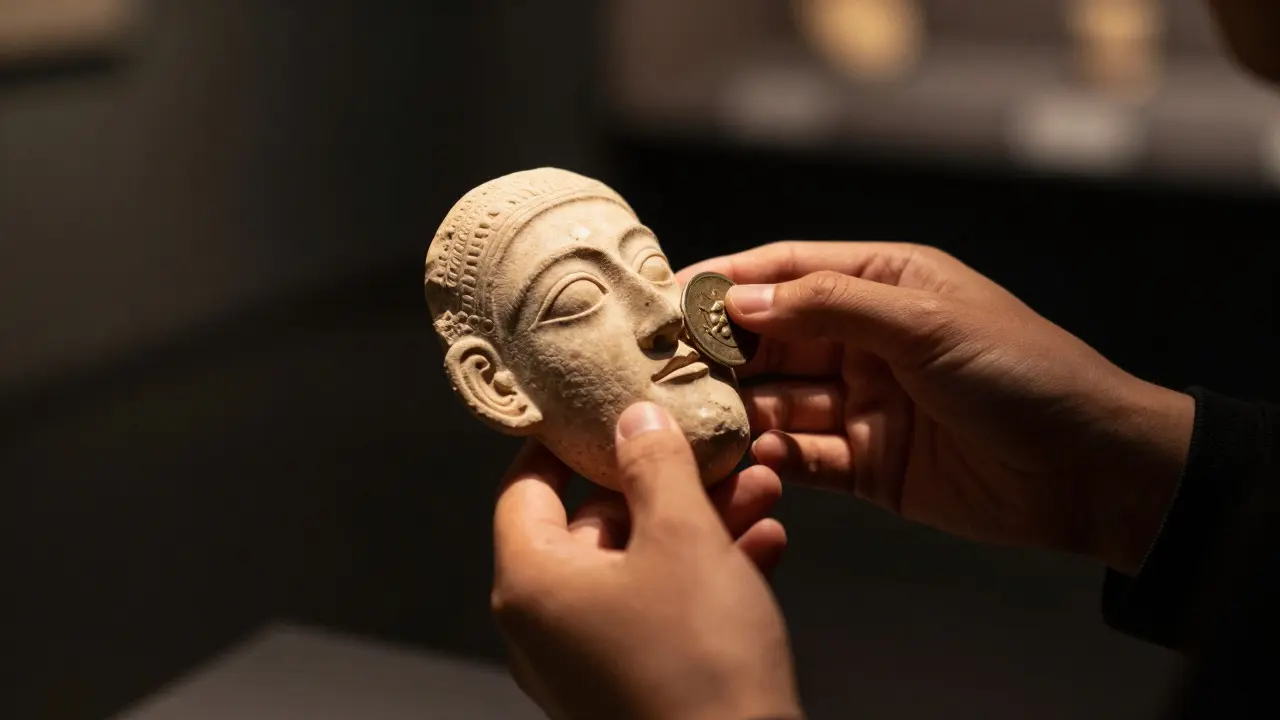
"Do not touch" is the most common sign in any museum. But for blind visitors, or even sighted visitors who want a deeper connection, touch is a powerful tool. Tactile tours allow visitors to handle replicas, models, or actual artifacts under supervision.
These tours aren't just for blind visitors. They help everyone understand scale, texture, and weight. Imagine holding a replica of a Roman coin versus looking at it behind glass. You feel the relief of the emperor's profile, the wear on the edges, and the thickness of the metal. That data changes how you perceive the object.
When booking a tactile tour, ask about the following:
- Duration: Most last 45-60 minutes. Is that enough time for you?
- Group size: Smaller groups (max 8-10 people) mean more hands-on time per person.
- Objects included: Will you touch original artifacts or high-quality replicas? Both have value, but originals offer unique historical texture.
- Guidance style: Some guides use a "blindfold" approach for sighted participants to simulate blindness. Others focus purely on descriptive language. Choose based on your preference.
Many museums now have permanent "touch rooms" where you can explore objects independently. These are great for families with young children or visitors who prefer self-paced exploration.
Comparison of Common Accessibility Services
Not all museums offer the same level of service. Use this table to evaluate potential destinations before you book your trip.
| Service Type | Best For | Typical Cost | Availability Level | Key Benefit |
|---|---|---|---|---|
| Loaner Wheelchairs | Temporary mobility needs | Free (deposit required) | High (major museums) | Immediate access without bringing equipment |
| Live Captioning | Lectures, tours, performances | Free or included in ticket | Medium (special events only) | Real-time text sync with speech |
| Hearing Loops | Hearing aid users | Free | Low-Medium (auditoriums) | Clear audio, reduced background noise |
| Audio Description | Blind/Low vision visitors | Free or small fee | Medium (select exhibits) | Verbal explanation of visual details |
| Tactile Tours | Blind visitors, curious learners | $5-$15 per person | Low (scheduled only) | Hands-on interaction with objects |
| Sensory Maps | Autistic visitors, anxiety-sensitive | Free | Low (growing trend) | Visual guide to noise/light levels |
Preparation Checklist for Your Visit
Planning ahead saves stress. Here is a quick checklist to run through before you head out:
- Contact the Access Office: Don't just email general info. Find the specific accessibility coordinator. They know the quirks of the building.
- Download the App: Many museums have apps with customizable routes. Set your preferences for "wheelchair accessible" or "low noise."
- Bring Backup Power: If using a power chair or electronic guide, bring a charged battery. Outlets are rare in galleries.
- Wear Comfortable Shoes: Even with a wheelchair, you might walk short distances. For others, comfort is non-negotiable.
- Arrive Early: Beat the crowds. Crowds create noise, block paths, and increase anxiety. Early morning slots are usually quieter.
- Ask About Quiet Hours: Some museums designate specific times (often first hour after opening) as "quiet hours" where lights are dimmed and music is turned off.
Don't hesitate to ask questions. Staff are generally eager to help but may not know their own inventory. Asking "Is the east wing carpeted?" is better than finding out halfway through.
Frequently Asked Questions
Do I need to reserve a wheelchair in advance?
It depends on the museum. Large institutions with limited stock recommend calling ahead, especially on weekends. Smaller museums often have one or two chairs available on a first-come, first-served basis. Always check the website for specific policies regarding deposits or reservations.
Are tactile tours suitable for children?
Yes, many museums design family-friendly tactile sessions. Objects are chosen for durability and safety. Guides are trained to engage younger audiences with simple language and interactive questions. Check the age recommendation listed on the tour schedule.
What is a hearing loop and how do I use it?
A hearing loop is a system that transmits sound directly to compatible hearing aids or cochlear implants. To use it, switch your device to the 'T' position (Telecoil mode). Look for the international symbol of access (a stylized ear) near speakers or microphones. It significantly reduces echo and background noise in large rooms.
Can I bring my service animal into the museum?
In most public museums, yes. Service animals are allowed in all areas open to the public. Emotional support animals (ESAs) are not legally required to be admitted in all jurisdictions, though many museums welcome them. Always check the specific policy, as some private collections may differ.
How do I find out if a specific exhibit is accessible?
Look for the accessibility icon on the official website's exhibit page. If it's not listed, call the visitor services line. Ask specifically about floor surfaces, lighting intensity, and noise levels. Staff can often provide a verbal walkthrough of the layout if digital maps are lacking.