Local SEO for Art Galleries: Master Your Google Business Profile
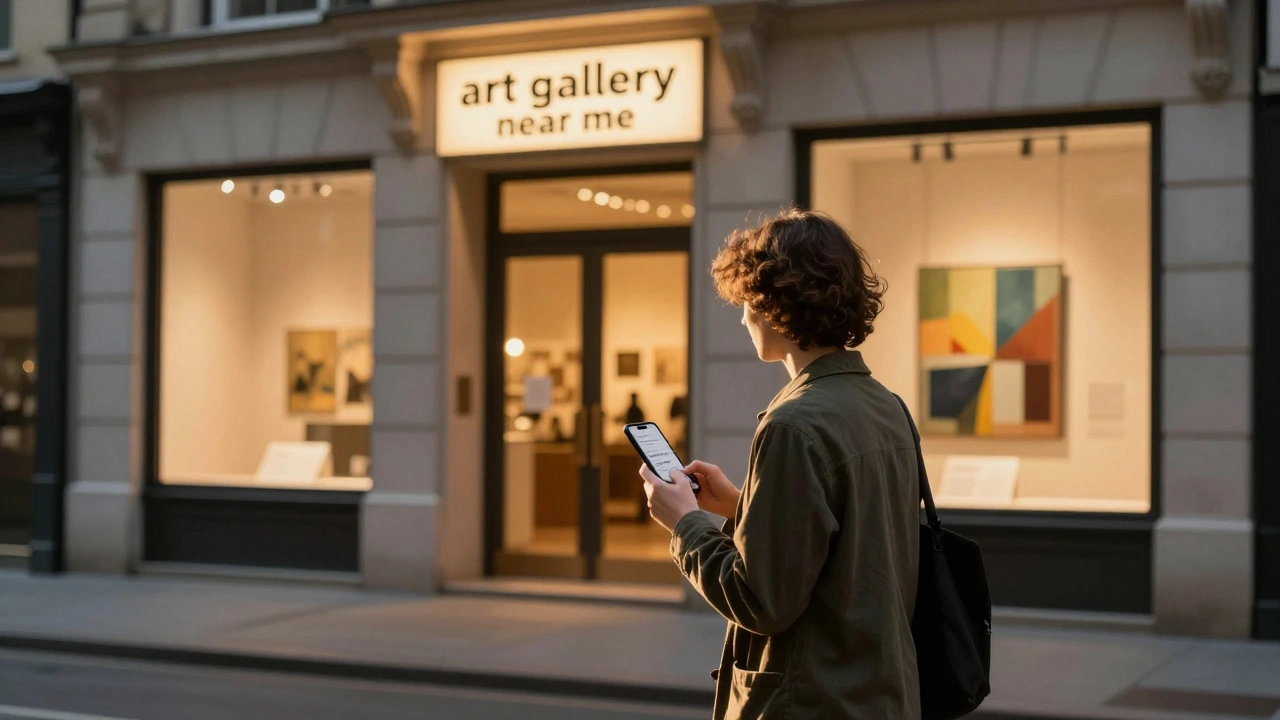
If you run an art gallery, your best customers aren’t scrolling through Instagram-they’re walking down your street. But what happens when someone types "art gallery near me" into their phone? If your Google Business Profile isn’t optimized, they’ll walk past you and find someone else. This isn’t about having pretty photos. It’s about being found at the exact moment someone decides to see art in person.
Why Your Google Business Profile Is Your Most Important Sales Tool
Most galleries think their website or social media drives foot traffic. Wrong. Over 70% of people who search for "art gallery near me" visit a gallery within 24 hours. And 60% of those searches happen on mobile devices while they’re walking around town. If your profile is outdated, incomplete, or ignored, you’re invisible to the exact audience you want.
Your Google Business Profile isn’t just a listing. It’s your digital storefront. It shows up in Google Maps, Search, and even in Google Assistant responses. It tells people: Is this place open? Do they have new shows? Can I walk in? Do they take credit cards? If you don’t answer those questions, someone else will.
Step-by-Step: Setting Up Your Profile Right
Start here. Go to google.com/business and claim your listing. If you’re already claimed but haven’t updated it in over a year, you’re falling behind. Here’s what to fix:
- Exact business name: Use "Smithson Gallery" not "Smithson Gallery & Framing Co." unless framing is a major service. Google penalizes inconsistent names.
- Category: Choose "Art Gallery" as the primary category. Don’t pick "Museum" or "Retail Store." You’re not a museum. You’re a gallery. Google’s algorithm notices this.
- Address: Use your real, physical location. No PO boxes. If you share a building with another business, make sure your suite number is clear. Google Maps shows your pin-get it right.
- Phone number: Use a local number, not a call center or toll-free line. People want to hear a real person when they call about a painting.
- Website: Link to your homepage, not your Instagram. Google wants to send people to a site with info, hours, and current exhibitions.
Photos That Sell-Not Just Decorate
Most galleries upload blurry shots of framed art. Bad move. Google prioritizes profiles with fresh, high-quality photos. Here’s what to post:
- Exterior shot: Show the building at golden hour. Is the sign visible? Is the entrance inviting? This is the first impression.
- Interior shot: Capture a well-lit gallery space with one or two pieces on display. No crowds. No clutter. Just clean, professional space.
- Current exhibition: Post 3-5 photos of the newest show. Label them: "Spring 2026: The Urban Landscape Series". Google indexes this text.
- Artist in action: A photo of the artist painting, signing a piece, or talking to a visitor. Human connection builds trust.
- Events: If you host openings, talks, or workshops-post those too. Include the date in the caption.
Update your photos every 30 days. Google favors active profiles. If your last photo was from 2023, you’re dead weight.
Reviews: The Silent Salespeople
One 5-star review from someone who bought their first piece here is worth ten ads. But you can’t just wait for reviews-you need to ask.
After a visitor buys a piece or attends an opening, hand them a small card with a QR code that goes straight to your Google listing. Say: "If you enjoyed your visit, we’d love a quick review." Don’t ask for a good one. Just ask. People are happy to help.
Respond to every review. Even the negative ones. Reply with: "Thank you for your feedback. We’re always looking to improve. We’d love to hear more if you’re open to a chat." This shows Google you’re engaged-and it calms potential customers who see a one-star review.
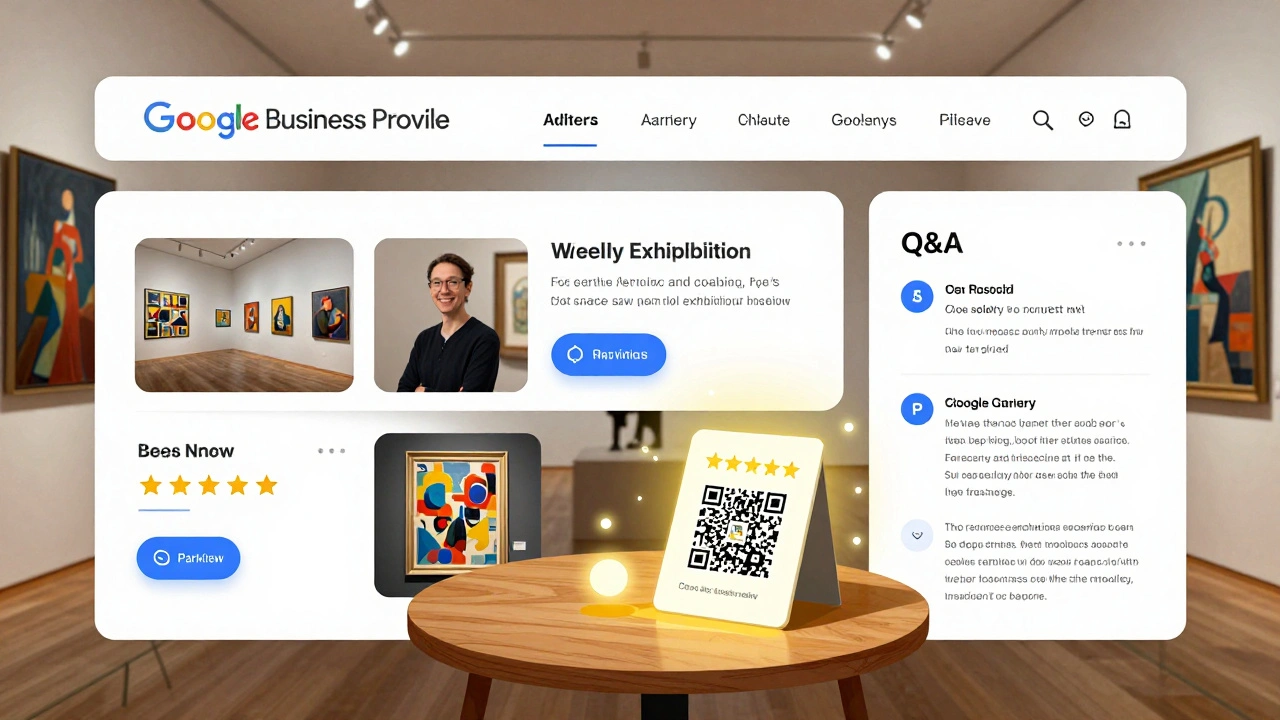
Posts: Your Weekly Digital Exhibition
Google Business Profile lets you post updates directly to your listing. Use it. Weekly.
Here’s what works:
- "New Art In": "Just received three original watercolors by Lena Ruiz. On display starting March 5. Come see them in person."
- "Artist Talk": "Join us Thursday at 6 PM as Marcus Chen discusses his process for using recycled metals. Free entry. Light refreshments."
- "Hours Change": "We’re closed Monday, March 10 for a private viewing. Normal hours resume Tuesday."
- "Limited Edition": "Only 5 prints left from the "Coastal Mist" series. First come, first served."
Each post stays live for 7 days. That’s 52 opportunities a year to show up in search results without spending a dollar on ads.
Q&A: Answer Before They Ask
People ask questions on your profile. "Do you offer framing?" "Is there parking?" "Can I bring kids?"
Don’t wait for someone else to answer. Go into your profile, click "Q&A," and pre-answer the top 5 questions:
- "Yes, we offer custom framing with a 2-week turnaround. Samples available in-store."
- "Free street parking is available on 5th and 6th Streets. Paid lot on the corner of Oak and Maple."
- "Children are welcome. We have a small activity kit at the front desk."
- "We accept Visa, Mastercard, and Apple Pay. No cash discounts."
- "Our gallery is fully wheelchair accessible. Restrooms are on the ground floor."
These answers get picked up by Google Assistant and show up in voice search results. If you don’t answer, Google might pull an outdated answer from a competitor.
How to Track What’s Working
Google Business Profile gives you free insights. Check them every week:
- Searches: How many people searched for your gallery by name? If it’s low, your name isn’t being found.
- Discovery: How many found you through "art gallery near me"? This is your local SEO health.
- Actions: How many clicked your website, called, or got directions? A spike after a post means your message landed.
- Photos viewed: If your new exhibition photos got 500+ views in a week, you’re doing something right.
Use this data to double down on what works. If people are clicking "Get Directions" after your artist talk post, make that a monthly event.
What Most Galleries Get Wrong
- They use stock photos of empty rooms. Real people want to see real spaces.
- They wait for reviews. They don’t ask. They don’t respond.
- They post once a year. Google wants consistency, not perfection.
- They ignore Q&A. They think no one’s asking. But someone always is.
- They think SEO is for tech companies. Art is local. Local is search.
If your profile looks like a ghost town, you’re losing sales to galleries that show up every week with new posts, new photos, and real answers.
Final Checklist: Your Monthly Routine
Set a calendar reminder. Every month, do this:
- Update or add 3 new photos (new show, event, artist, interior).
- Post 1 update (exhibition, event, limited piece, hours change).
- Respond to every new review.
- Answer 1 new question from the Q&A section.
- Check insights: What got the most clicks? Do more of that.
That’s it. Five minutes a month. But done consistently, it turns your Google Business Profile into a 24/7 salesperson that works while you sleep.
How often should I update my Google Business Profile for my art gallery?
Update your profile at least once a month. Add new photos, post about current exhibitions, respond to reviews, and answer new questions. Google rewards active profiles-posting weekly is even better. If you go more than 30 days without an update, your listing starts to lose visibility in local searches.
Should I use a professional photographer for my gallery photos?
Not necessarily. What matters is lighting, clarity, and authenticity. A smartphone with good natural light and a steady hand works fine. Avoid flash. Shoot during daylight hours. Focus on clean compositions: one or two artworks in frame, no clutter, no people in the background unless it’s an event. You don’t need a pro-just attention to detail.
Can I post about online sales on my Google Business Profile?
Yes-but keep it local. You can say, "Available for pickup in-store" or "Limited prints available at the gallery." Avoid linking to your e-commerce site. Google’s algorithm favors local engagement. If someone searches "art gallery near me," they want to visit. Don’t redirect them away. Use your website for online sales, and your profile to drive foot traffic.
What if someone leaves a negative review?
Respond politely and publicly. Say something like: "Thank you for sharing your experience. We’re sorry it didn’t meet your expectations and would appreciate the chance to make it right. Please call us directly at [phone number] so we can listen." This shows potential customers you care. Never argue. Never delete. Google sees engagement as a positive signal.
Do I need a website if I have a Google Business Profile?
Yes. Your Google profile gets people to your door. Your website keeps them interested. Use your website to show your full collection, artist bios, past exhibitions, and contact info. Link it in your profile. Google treats websites as trust signals. Without one, you look like a temporary pop-up-not a serious gallery.
Next Steps: Start Today
Open your Google Business Profile right now. Look at your last photo. Is it older than 30 days? Open your reviews. Have you responded to the last one? Open your posts. When was the last time you shared something new?
If you answered "no" to any of those, you’re already behind. Don’t wait for next month. Do one thing today. Post one photo. Reply to one review. Update one detail. That’s how you start winning local search. Not with a big campaign. Not with a budget. Just with consistency.