Gallery Event Photography: How to Create Shareable Media Assets
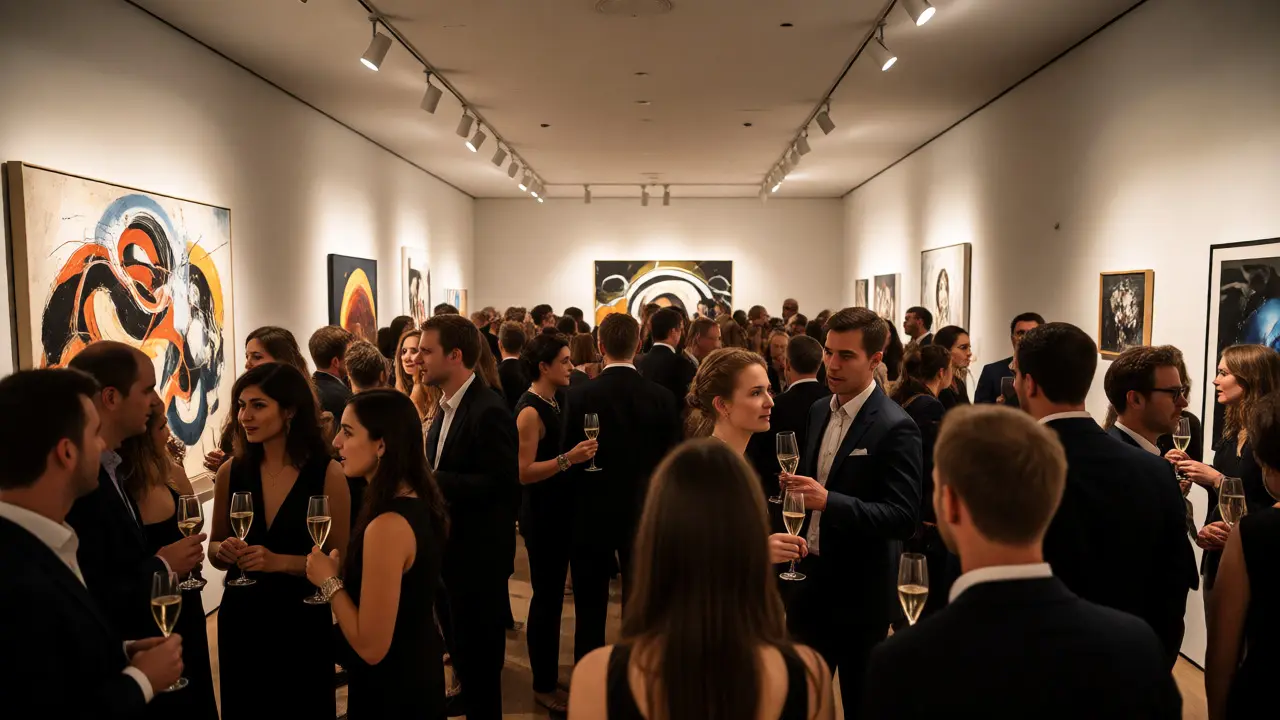
You just spent months curating an exhibition. The opening night was a blur of champagne glasses and whispered critiques. But here is the harsh reality: if you didn't capture that energy in high-resolution images, your marketing team has nothing to work with for the next six months. Gallery Event Photography is not just about documenting who showed up; it is about generating shareable media assets that extend the life of an exhibition far beyond its closing date.
Think about the last time you saw an Instagram post from a local gallery. Was it a blurry shot of a painting on a wall? Or was it a crisp, well-lit image of a visitor engaging with the art, perhaps laughing or pointing at a detail? The difference isn't luck. It's strategy. Most galleries treat photography as an afterthought, handing the camera to an intern or relying on smartphone snapshots. This approach leaves money on the table. When you create professional-grade visual assets, you aren't just archiving history; you are building a content library that fuels newsletters, press kits, and social media campaigns long after the guests have gone home.
Why Your Opening Night Photos Are Worth More Than Gold
Let's look at the numbers. According to recent data from HubSpot, posts with images get 94% more views than text-only posts. For galleries, this stat is amplified because art is inherently visual. If your social media feed looks like a slideshow of low-light, tilted phone pictures, potential buyers scroll past. They assume the quality of the presentation reflects the quality of the art.
But it goes deeper than likes and shares. High-quality Exhibition Photos serve three critical business functions:
- Social Proof: Showing a crowded room tells collectors that the artist is in demand. It creates FOMO (Fear Of Missing Out).
- Press Coverage: Journalists need ready-to-use images. If they have to wait for you to send files, they might skip the story entirely.
- Digital Archiving: Physical exhibitions end. Digital ones live forever on your website and CRM.
The goal isn't just to take pictures. It's to create Shareable Media Assets that require zero editing from your marketing team. You want images that are cropped correctly, color-corrected, and tagged properly before they even leave the camera bag.
The Three Shots You Absolutely Need
Most photographers make the mistake of shooting everything. That leads to thousands of unusable frames. Instead, focus on these three specific types of shots. Each one serves a different purpose in your marketing funnel.
1. The Context Shot (Wide Angle)
This shows the scale of the show. It captures the installation in the space, including the lighting, the walls, and ideally, people viewing the art. Why does this matter? Because online viewers can't feel the size of a sculpture or the impact of a large canvas. A wide shot gives them spatial context. Use a 24mm or 35mm lens for this. Keep the horizon line straight-nothing kills the vibe of a sophisticated gallery faster than a crooked photo.
2. The Engagement Shot (Medium Range)
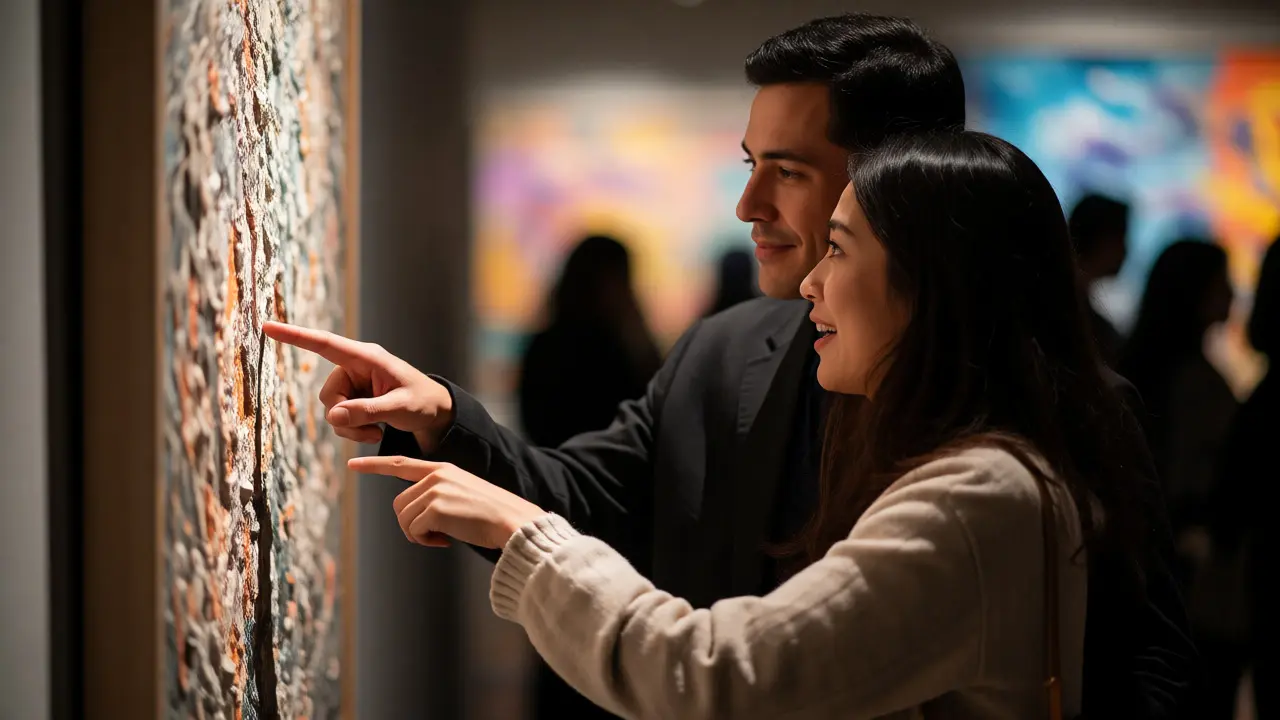
This is where the magic happens. You're looking for genuine reactions. A couple leaning in to read a label. A collector pointing out a detail to a friend. A child staring wide-eyed at a colorful piece. These images humanize the art. They tell the story of connection. Avoid posed smiles. Candid moments perform significantly better on social platforms because they feel authentic. Shoot at eye level or slightly below to make the subjects look engaged and important.
3. The Detail Shot (Macro/Close-up)
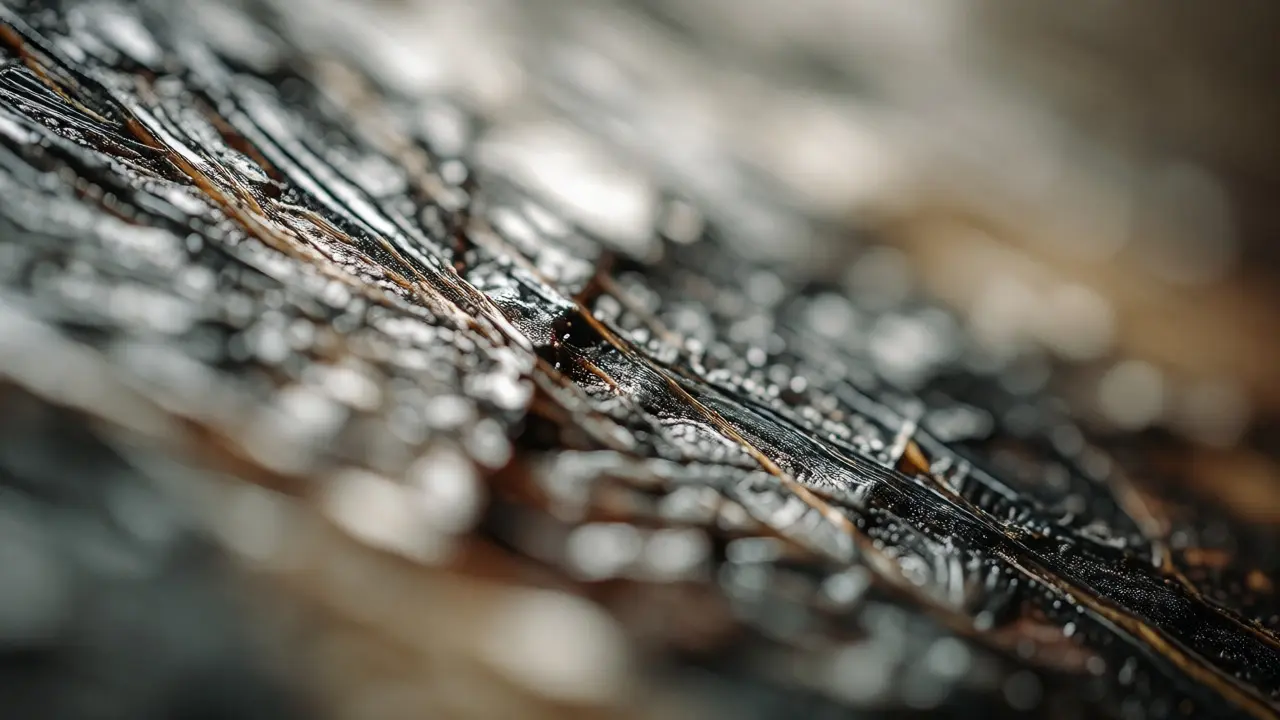
Collectors buy details. Show them the brushstrokes, the texture of the paper, the glaze on the ceramic. These close-ups prove craftsmanship. They also work incredibly well as standalone posts or email headers. Use a macro lens or a telephoto zoom to isolate specific elements without distortion. Ensure your depth of field is shallow enough to blur the background but sharp enough on the focal point to reveal texture.
Lighting Challenges in Gallery Spaces
Gallery lighting is notoriously difficult. It’s often dim, mixed with colored gels, and designed to highlight art rather than people. If you rely on your camera’s auto-mode, your photos will come out noisy and yellowish. Here is how to handle it without hauling a studio setup into a public event.
First, turn off your flash. Direct flash flattens the scene, creates harsh shadows, and distracts other guests. Instead, crank up your ISO. Modern mirrorless cameras handle high ISOs surprisingly well. Don’t be afraid to push ISO to 3200 or even 6400 if necessary. Grain is preferable to motion blur.
Second, manage your white balance manually. Auto-white-balance gets confused by track lighting and neon signs nearby. Set your Kelvin temperature manually-around 3200K-4000K usually works best for tungsten-based gallery lights. If you’re shooting RAW, you can fix minor color casts later, but getting it right in-camera saves hours in post-production.
| Shot Type | Lens Recommendation | Aperture | ISO Range | Shutter Speed |
|---|---|---|---|---|
| Context/Wide | 24-70mm f/2.8 | f/8 - f/11 | 800 - 1600 | 1/125s |
| Engagement | 50mm f/1.8 or 85mm f/1.4 | f/2.8 - f/4 | 1600 - 3200 | 1/200s |
| Detail/Macro | 90mm Macro or 70-200mm | f/4 - f/5.6 | 400 - 800 | 1/250s |
Post-Processing: The Fast Track to Ready-to-Use Assets
You don't have time to edit 500 photos individually. You need a workflow that delivers results fast. Start by culling ruthlessly. Delete anything out of focus, poorly composed, or redundant immediately after the event. Aim to deliver 20-30 killer images rather than 200 mediocre ones.
Next, batch process your edits. In Lightroom or Capture One, sync settings across similar shots. Adjust exposure, contrast, and saturation globally. Then, fine-tune only the hero images. Remember, consistency is key. All images should share a similar tone and mood so your social grid looks cohesive.
Finally, export in multiple formats. You need:
- JPEG (High Quality): For general web use and email attachments.
- WebP: For faster loading speeds on your website.
- Cropped Versions: Square (1:1) for Instagram, Vertical (9:16) for Stories/Reels, and Horizontal (16:9) for blogs and press kits.
Naming conventions matter too. Rename files descriptively: `ArtistName_Exhibition_Title_Context_01.jpg`. This makes searching for assets years later infinitely easier.
Legal and Ethical Considerations
Before you hit publish, check your releases. In many jurisdictions, photographing people in public spaces is legal, but using their likeness for commercial purposes (like selling prints or advertising) may require consent. Since gallery openings are semi-private events, it’s wise to include a clause in your invitation RSVP stating that attendance implies consent for photography.
Also, respect the artists. Some pieces may be sensitive or under embargo until the official launch. Coordinate with the curator to know which artworks are okay to shoot and which ones to skip. Nothing ruins a relationship with an artist faster than leaking a controversial piece via Instagram stories two days early.
Turning Photos into Revenue
Once you have your Media Assets, how do you monetize them?
Start small. Tag every artist and visitor in your social posts. This expands your reach organically. Next, create a "Behind the Scenes" reel using clips and stills from the opening. Video content drives higher engagement rates than static images on most platforms.
For larger impact, compile a digital press kit. Send it to local arts journalists, lifestyle bloggers, and regional magazines. Include your best 5-10 images with captions and artist bios. Make it easy for them to write about you. If a major publication picks up your story, those same photos become valuable assets for future fundraising campaigns or grant applications.
Don't forget your email list. A dedicated newsletter featuring the top 3 photos from the event, accompanied by quotes from attendees, keeps your subscribers engaged between exhibitions. It reminds them that your gallery is active, vibrant, and worth visiting.
Do I really need a professional photographer for a small gallery opening?
Yes, especially if you plan to sell art. Smartphone cameras struggle with the dynamic range found in galleries (bright spotlights vs. dark corners). A professional ensures consistent lighting and composition, which signals professionalism to potential buyers. However, if budget is tight, hire a skilled hobbyist with a good lens rather than relying on staff phones.
How many photos should I expect from a typical opening night?
Aim for 30-50 edited, high-quality images per hour of coverage. This sounds low compared to wedding photography, but it’s intentional. Quality over quantity. You need usable assets, not archives. Focus on variety: wide shots, portraits, details, and candid interactions.
What is the best way to share these assets with artists?
Use a cloud-based delivery service like Dropbox, WeTransfer, or Pixieset. Organize folders by artist and exhibition title. Provide both full-resolution files for print/web and optimized web-sized versions for social media. Clear file naming conventions help artists find what they need quickly.
Can I use stock photos instead of hiring a photographer?
No. Stock photos lack authenticity. Collectors and followers can instantly tell when an image isn't real. Authenticity builds trust. Even imperfect real photos outperform polished fake ones in terms of engagement and conversion for niche audiences like art buyers.
How soon should I post the photos after the event?
Speed matters. Post teasers within 24 hours while the excitement is fresh. Deliver the full set within 3-5 days. Delayed posts lose relevance. Social media algorithms favor recency, and attendees are more likely to engage with content that feels immediate.