Digital Walkthroughs: How to Build Virtual Gallery Experiences for Online Sales
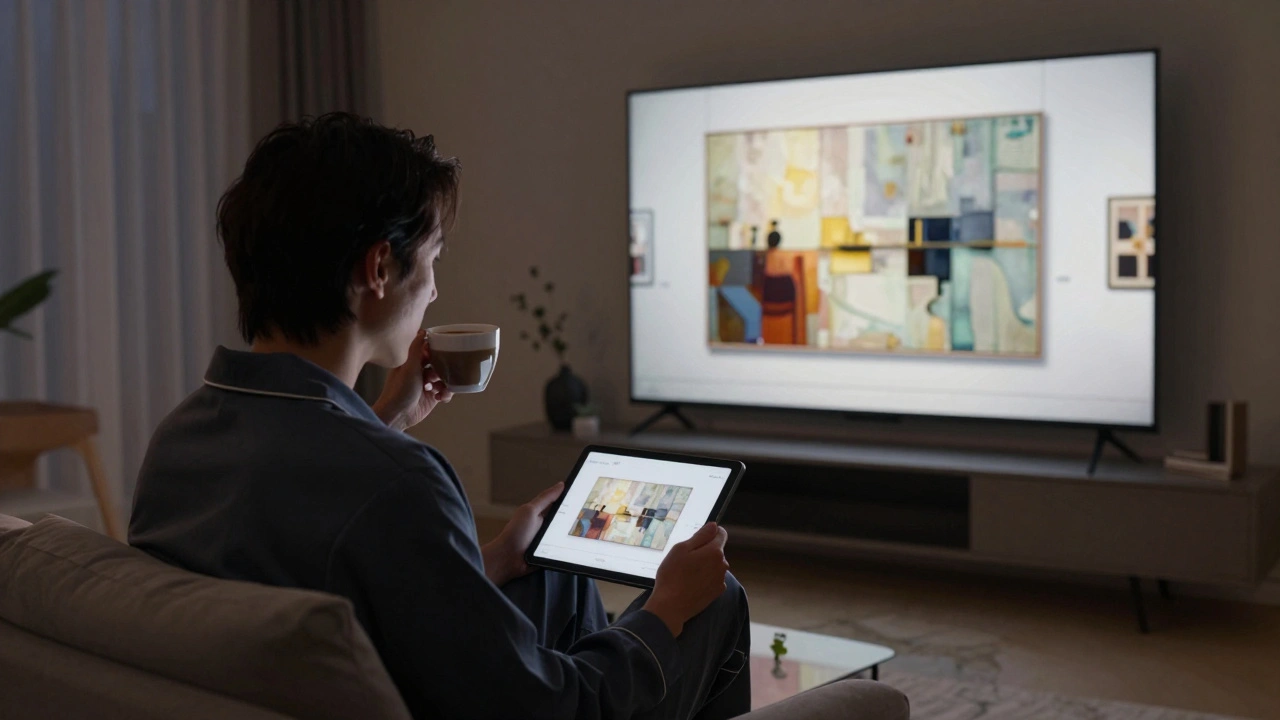
Imagine walking into a gallery at 2 a.m. in your pajamas, sipping coffee, and examining a $50,000 painting without crowds, noise, or salespeople hovering nearby. That’s what virtual gallery walkthroughs do-they turn browsing into an experience. And for galleries, artists, and collectors, this isn’t just a fancy gimmick. It’s how sales are happening now.
In 2025, online art sales hit $18.4 billion globally, up 47% from 2022. But here’s the catch: people don’t just want to see a JPEG of a painting. They want to feel the texture, see how light hits the brushstrokes, and understand the scale before they spend thousands. That’s where digital walkthroughs come in.
What Is a Digital Walkthrough?
A digital walkthrough is a 3D, immersive simulation of a physical space-like a gallery, museum, or studio-that users can explore using their mouse, keyboard, or VR headset. It’s not a slideshow. It’s not a video tour. It’s an environment you navigate like you’re really there.
Think of it like Google Earth, but for art spaces. You can walk from room to room, zoom in on brushwork, read labels, and even click on a piece to see its price, provenance, and artist bio. Some platforms let you adjust lighting to see how the artwork looks in natural daylight versus gallery spotlights. Others let you virtually place a piece on your own wall using augmented reality.
The best digital walkthroughs don’t just show art-they recreate the feeling of being in a curated space. The sound of footsteps echoing slightly on marble floors. The quiet hum of climate control. The way light falls differently near a window. These details matter because they build trust. And trust leads to sales.
Why Virtual Galleries Outperform Static Websites
Most online art stores look the same: grid of images, price below, "Add to Cart" button. It’s efficient, sure. But it’s also cold. People don’t buy art the way they buy socks. They buy it because they connect with it emotionally. A static website can’t create that connection.
Compare two scenarios:
- You see a $12,000 abstract painting on a website. You zoom in. It looks good. You click "Buy Now."
- You walk into a virtual gallery, turn a corner, and suddenly the painting is right in front of you-on a white wall, under soft ambient light. You step closer. You notice the texture, the thickness of the paint, the way the reds glow. You read the artist’s statement. You click "View in My Space" and see how it looks above your couch. Then you buy.
The second scenario has a 3x higher conversion rate, according to a 2024 study by the Art Technology Group. Why? Because immersion reduces uncertainty. People fear buying art online because they can’t see it in person. A good digital walkthrough removes that fear.
Key Components of a Successful Virtual Gallery
Building a virtual gallery isn’t just about 3D software. It’s about combining tech with curation. Here’s what actually works:
- Realistic 3D modeling-Not cartoonish. Not pixelated. Every wall, floor, and ceiling needs accurate proportions. Use real-world measurements. A 10x12 foot room should look like a 10x12 foot room.
- High-resolution image rendering-Art is detail. A 2000-pixel-wide image won’t cut it. Use 8K or higher scans for paintings and sculptures. Some galleries use photogrammetry: taking hundreds of photos from every angle and stitching them into a 3D model.
- Interactive hotspots-Click on a painting to see its title, artist, medium, dimensions, price, and history. Add audio snippets of the artist talking about the piece. Or link to a short video of them creating it.
- Navigation controls-Let users walk, run, or glide. Don’t force them to click arrows. Add a map or floor plan so they know where they are.
- Mobile and VR support-68% of users access virtual galleries on phones. Make sure it works on iOS and Android. Also offer a VR option for serious buyers. Oculus and Meta Quest headsets are cheap now. Many galleries report 40% of high-value sales come from VR users.
One Portland-based gallery, Northwest Contemporary is a gallery specializing in Pacific Northwest artists with over 200 active exhibitors, saw a 200% increase in sales after launching their walkthrough. They didn’t spend $100,000. They used a platform called Artivive a cloud-based platform for creating interactive digital art exhibitions and scanned 12 pieces with a $300 smartphone rig. The result? A gallery that’s open 24/7, accessible worldwide, and always ready to sell.

How to Build One Without a Big Budget
You don’t need a tech team. You don’t need to hire a 3D artist. Here’s how smaller galleries and independent artists are doing it:
- Use templates-Platforms like Artivive, Artivive, and Verdant a digital exhibition platform for galleries and artists offer drag-and-drop builders. Upload your images, set the room layout, and go.
- Scan with your phone-Apps like Polycam a 3D scanning app that turns iPhone and Android cameras into 3D scanners can scan sculptures or even entire rooms in minutes. Export the model and import it into your gallery platform.
- Start small-Don’t try to digitize your whole collection. Pick 5-7 high-value pieces. Make them the stars. Add audio, video, and stories. People will linger longer on fewer items.
- Link to your store-Every artwork should have a clear "Buy Now" button. Don’t bury it. Make it visible in the info panel. Use Stripe or PayPal for seamless checkout.
One artist in Santa Fe used this method. She scanned three of her ceramic pieces, built a 12x12 foot virtual studio, and added a 90-second video of her throwing clay. Within three weeks, she sold all three pieces-two to buyers in Germany and Japan. She didn’t even leave her studio.
What Not to Do
Virtual galleries fail when they try too hard-or don’t try enough.
- Don’t overload with effects-Flashing lights, animated backgrounds, and background music annoy users. Keep it calm. Let the art speak.
- Don’t ignore mobile-If your walkthrough only works on desktop, you’re losing 70% of your audience.
- Don’t forget accessibility-Add alt text for images. Let users navigate with keyboard shortcuts. Include captions for audio. It’s not just ethical-it’s legal in many places.
- Don’t treat it like a one-time project-Update it. Add new pieces. Change the lighting. Rotate the layout. A static virtual gallery feels dead.
Where the Market Is Headed
The next wave of virtual galleries isn’t just about viewing art-it’s about owning experiences.
Some galleries now offer:
- Private virtual viewings with the artist via Zoom, inside the gallery space.
- Group tours for collectors, led by curators.
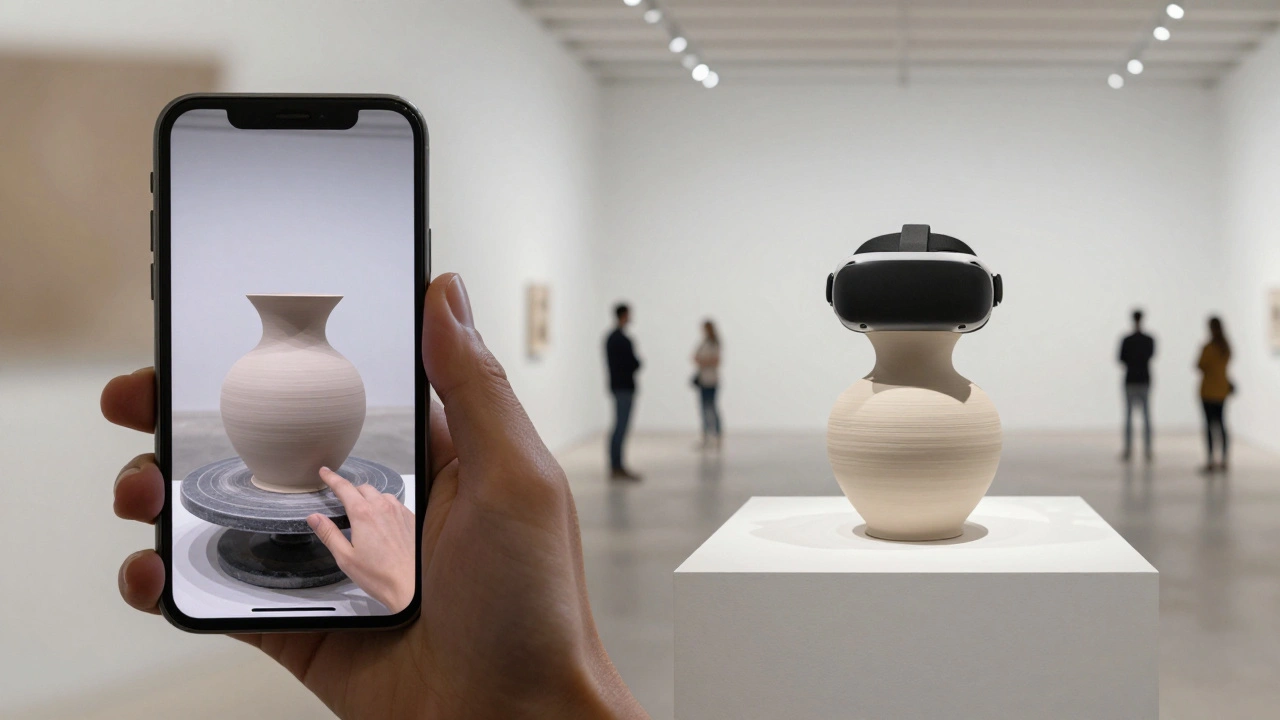
- AR filters that let you project a sculpture into your backyard.
- NFT-linked physical pieces-buy the digital version, get a physical one shipped.
And it’s not just for fine art. Jewelry makers, ceramicists, and even furniture designers are using virtual walkthroughs to sell high-ticket items. One Oregon-based woodworker started offering virtual studio tours of his custom tables. Sales jumped 65% in six months.
The future isn’t replacing physical galleries. It’s extending them. A gallery in Paris can now have a permanent digital outpost in Seoul, Toronto, or Lagos. And buyers? They’re no longer limited by geography. They’re limited only by curiosity.
Start Now. No Excuses.
You don’t need to be a tech expert. You don’t need to spend six months planning. You just need to pick one piece. Scan it. Put it in a simple virtual room. Add a price. Launch it.
That’s how it starts. And once you see how people interact with it-how they linger, how they zoom, how they share it with friends-you’ll realize this isn’t a trend. It’s the new normal.
Do I need VR headsets to use a virtual gallery?
No. Most virtual galleries work perfectly on smartphones, tablets, and desktop computers. VR headsets offer a deeper experience, especially for high-end collectors, but they’re optional. The majority of users access galleries through web browsers on their phones. Make sure your walkthrough is optimized for mobile first.
How much does it cost to build a virtual gallery?
It can range from $0 to $20,000. If you use a template platform like Artivive or Verdant, you can start for under $50/month. Scanning your own art with a smartphone and a free app like Polycam adds almost no cost. Hiring a 3D studio for a custom build can cost $5,000-$20,000, but that’s only necessary for large institutions. Most galleries and artists save money by starting simple and upgrading later.
Can I sell physical art through a virtual gallery?
Absolutely. In fact, that’s the main goal. Virtual galleries are designed to showcase physical artwork and drive purchases. Every artwork should have a clear "Buy Now" button linked to your online store or payment system. Many platforms integrate directly with Shopify, WooCommerce, or Stripe, so you can manage inventory and shipping from one dashboard.
How do I get people to visit my virtual gallery?
Promote it like you would a real opening. Share it on Instagram with short clips of people exploring. Send it to your email list. Partner with influencers in the art world. Run targeted ads on Facebook and Pinterest. Add the link to your website footer, your email signature, and your packaging. The more you talk about it, the more it grows. Don’t wait for people to find it-invite them.
Are virtual galleries only for high-end art?
No. While luxury art benefits most from the immersive experience, virtual galleries work for any high-value item where customers need to see detail before buying. Ceramicists, jewelry designers, furniture makers, and even rare book dealers are using them. If your item costs more than $500 and can’t be fully understood from a photo, a virtual walkthrough will help you sell it.