Data Hygiene in Gallery CRMs: Clean and Enrich Your Sales Pipeline

Bad data is costing gallery owners and art dealers money every single day. Missed follow-ups, duplicate client records, wrong email addresses, outdated phone numbers - these aren’t just annoyances. They’re leaks in your sales pipeline. If your CRM is filled with messy, outdated, or incomplete information, you’re not just wasting time. You’re losing sales. The good news? Fixing this isn’t complicated. It’s about routine, not revolution.
Why Gallery CRMs Get Dirty So Fast
Gallery CRMs aren’t like enterprise systems with IT teams running automated syncs. They’re often managed by gallery directors, sales associates, or even interns who are juggling exhibitions, client calls, and social media. Every time someone adds a new collector from a fair, logs a private viewing, or updates a client’s preferences on a sticky note, that data goes into the CRM. And it doesn’t stay clean.
Here’s how it happens:
- A collector buys a sculpture in person - you type their name as "J. Smith" but later they reply to an email as "Jonathan Smith".
- Two staff members add the same collector because one used their work email, the other used their personal one.
- A client moved from New York to London, but your system still says "NYC".
- You imported a list from last year’s art fair attendee spreadsheet - 60% of those emails bounced.
Without regular cleaning, your CRM becomes a graveyard of half-truths. And guess what? Your sales team stops trusting it. They stop using it. And that’s when revenue drops.
The 3 Pillars of Data Hygiene for Art Galleries
Good data hygiene isn’t about deleting records. It’s about making your CRM more accurate, more useful, and more alive. There are three core pillars:
- Remove duplicates - One client, one record. No exceptions.
- Fix incomplete fields - Every collector should have at least a name, email, phone, and location.
- Enrich with context - What do they collect? What’s their budget? Did they buy from you last year?
Let’s break these down.
1. Removing Duplicates
Most gallery CRMs have a duplicate finder, but it’s often turned off because it’s "too slow" or "too messy." Don’t avoid it - run it.
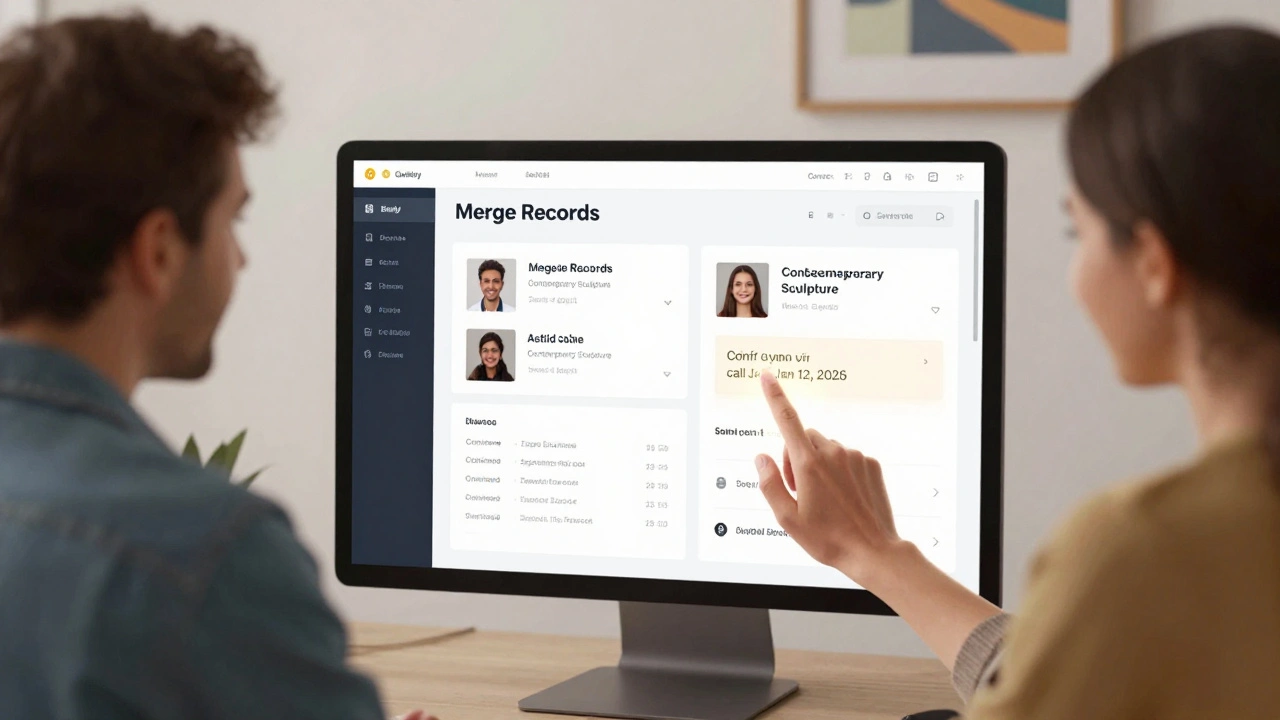
Start with these fields: email, phone, and full name. Even if two records have slightly different spellings ("Anna Lee" vs. "Anne Lee"), the system should flag them. Most modern CRMs like HubSpot, Salesforce, or even Artlogic have fuzzy matching. Run the scan. Review the matches. Merge them. Keep the record with the most complete info - the one with the latest contact history, the most recent purchase, or the most detailed notes.
Pro tip: After merging, add a note: "Merged from J. Smith (2023) and Jonathan Smith (2025) - confirmed via call on Jan 12, 2026. Primary email: [email protected]". This creates an audit trail.
2. Fixing Incomplete Fields
Don’t just rely on what’s in the CRM. Go back to your sources. Look at:
- Event sign-in sheets from gallery openings
- Payment receipts with names and addresses
- Email threads where clients mention their city or preferences
- Instagram DMs or WhatsApp chats where they said "I’m in LA now"
Every time you find new info, update the record. If you don’t have an email for someone, try searching their name + "gallery" + "collector" on LinkedIn. Many collectors list their professional email there.
And here’s a simple rule: if a record has no email, no phone, and no location - don’t just delete it. Flag it. Reach out. Send a polite note: "Hi, we noticed you’ve visited us a few times and wanted to make sure we’re keeping your info up to date. Could you confirm your email?"
3. Enriching With Context
Knowing someone’s name isn’t enough. What matters is: What kind of art do they like?
Enrichment means adding depth:
- Art preference: "Contemporary sculpture", "Japanese ink paintings", "Emerging women artists"
- Buying behavior: "Buys under $10K", "Buys for investment", "Buys as gifts"
- Connection history: "Attended 3 solo shows in 2024", "Bought 2 pieces in 2025"
- Notes: "Wants to meet artist", "Wants to borrow for office", "Not interested in prints"
This isn’t fluff. This is what turns a name into a relationship. A collector who buys 2 pieces a year and loves sculpture is a different prospect than one who bought one piece five years ago and never returned. Your CRM should reflect that.
How Often Should You Clean Your CRM?
Monthly. Not quarterly. Not "when I have time."
Set a recurring 30-minute slot every first Monday of the month. Use it for:
- Running the duplicate check
- Updating 10 records with new info from your notes
- Flagging 5 records that need outreach
That’s it. Thirty minutes. That’s all it takes to keep your data sharp. If you skip it for three months, you’ll have 30+ duplicates, 50+ missing emails, and a sales team that’s already stopped using the system.
Tools That Help (Without Costing a Fortune)
You don’t need a $10,000 data scrubbing service. Here’s what works for galleries:
- Clearbit - Auto-fills missing emails and company info from just a name.
- Hunter.io - Finds professional emails for collectors who only gave you a phone number.
- CRM native tools - HubSpot’s duplicate finder, Salesforce’s Data Quality Score, Artlogic’s record merging.
- Google Sheets + formulas - Export your CRM, use
=UNIQUE()and=CONCATENATE()to spot patterns. Free and powerful.
One gallery in Chelsea used Hunter.io to find emails for 72% of their "no email" records. That’s 72 more people they could email about their new exhibition.
What Happens When You Do This Right
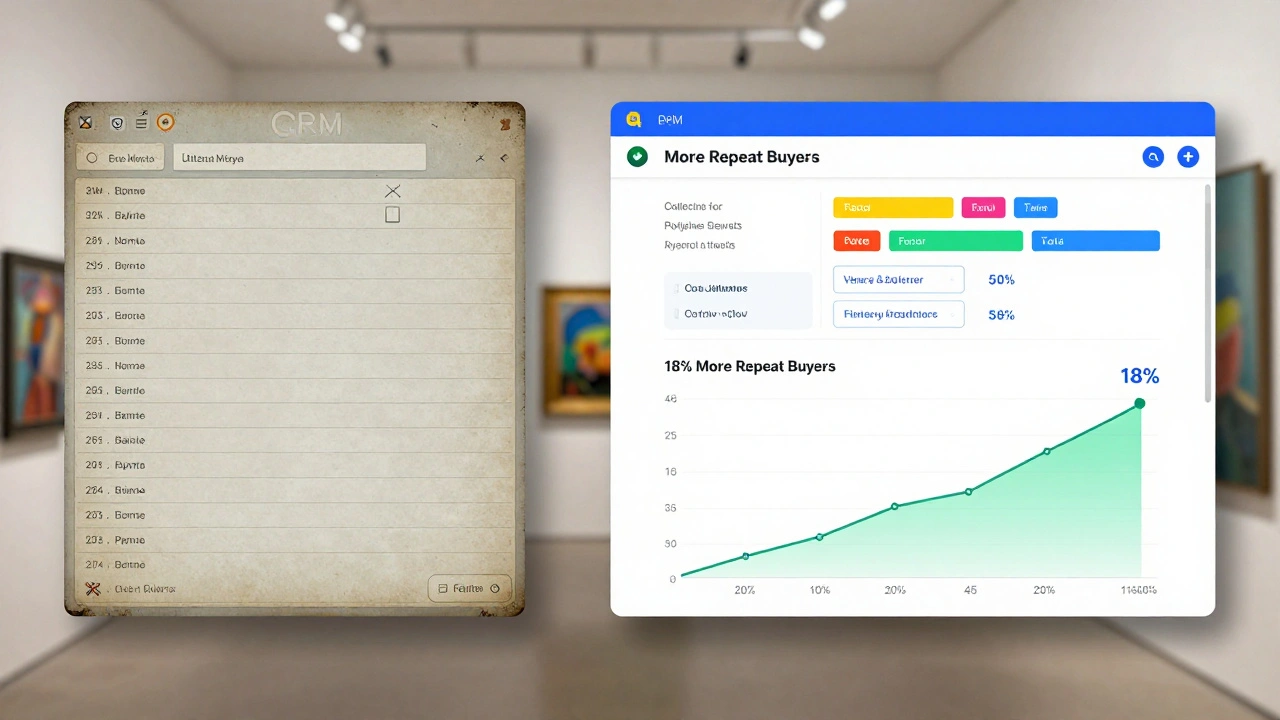
After six months of consistent data hygiene, the Gallery of Modern Art in Chicago saw:
- 37% fewer missed follow-ups
- 29% increase in email open rates
- 18% more repeat buyers
- Sales team started using the CRM daily - not just during reporting
Why? Because they could trust it. When a sales associate saw a collector had bought three pieces in six months and liked sculpture, they didn’t just send a generic newsletter. They sent: "Hi Lisa - we just received a new bronze by Elena Rivera. Thought of you. Would you like to preview?"
That’s the power of clean, enriched data.
Start Small. Stay Consistent.
You don’t need to fix everything tomorrow. Pick one thing:
- Run the duplicate check this week.
- Update 5 records with new info from your notes.
- Send one email to a "no email" collector to ask for their address.
Do that. Then do it again next week. In three months, you won’t recognize your CRM. And your sales team will thank you.
How often should I clean my gallery CRM?
Monthly. Set aside 30 minutes on the first Monday of each month to run duplicate checks, update incomplete records, and flag contacts who need outreach. Waiting longer than 60 days leads to data decay and lost sales.
What’s the most important field to fix in a gallery CRM?
Email. Without a valid email, you can’t follow up, send exhibition invites, or nurture relationships. If you’re missing emails, use tools like Hunter.io or manually search LinkedIn. Even one confirmed email per month adds up.
Can I clean my CRM without hiring someone?
Yes. Most gallery CRMs have built-in tools for merging duplicates and identifying incomplete records. Use them. Spend 30 minutes a month. No tools, no staff - just consistency. The biggest barrier isn’t cost, it’s procrastination.
How do I enrich my CRM with collector preferences?
Track every interaction. Did they ask about sculpture? Note it. Did they say they’re looking for something under $5K? Add it. Did they attend three solo shows? Flag them as a loyal visitor. Use custom fields like "Art Preference", "Budget Range", or "Collection Focus" to store this. It turns contacts into relationships.
What happens if I ignore data hygiene?
Your CRM becomes unreliable. Salespeople stop using it. You send emails to dead addresses. You miss follow-ups. You duplicate efforts. And worst of all - you lose trust with collectors who feel forgotten. Data decay directly hurts revenue.