Curating Contemporary New Media: Preservation Challenges
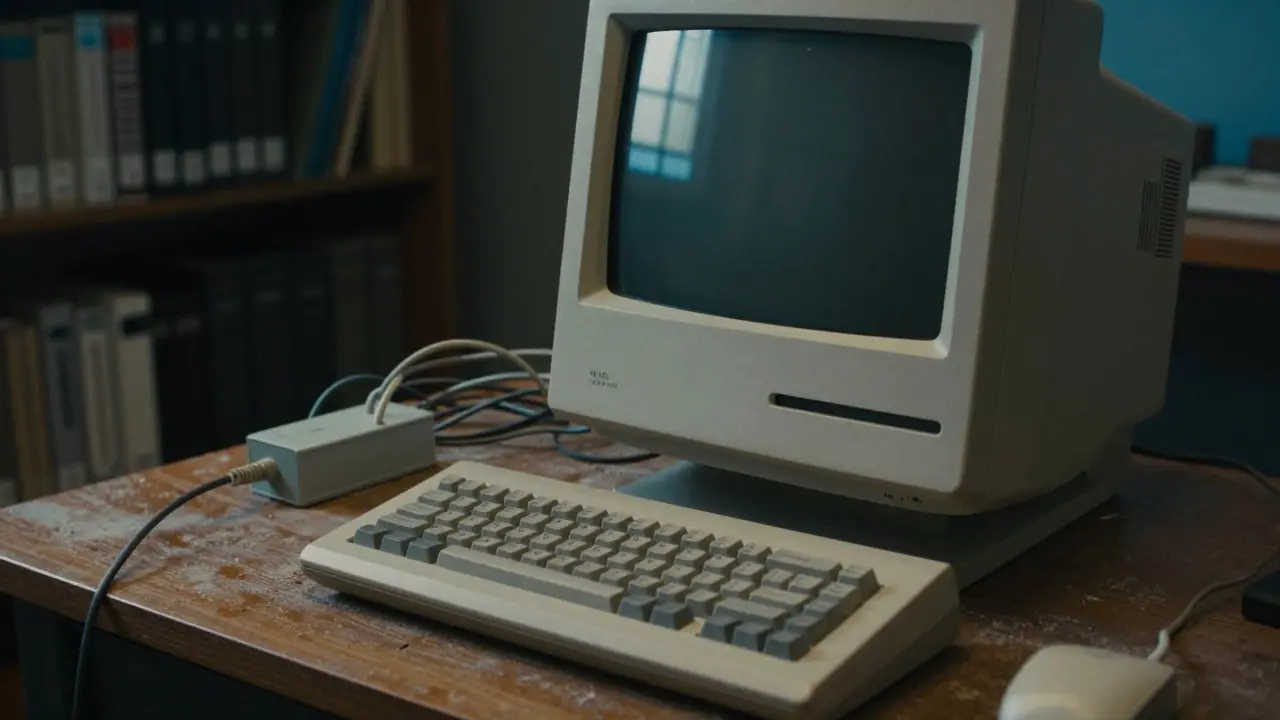
Imagine buying a piece of art in 1998. It’s a video installation that runs on a specific model of Macintosh G3, using software that hasn’t been updated in two decades. Today, you can’t even find the power cable for the hardware, let alone the original operating system. This is the reality facing curators and collectors of New Media Art is art created with digital technologies such as video, sound, code, and interactive elements. Unlike oil paintings that sit quietly on a wall for centuries, new media works are fragile ecosystems of technology, data, and intent. If one component fails, the whole piece disappears.
The core problem isn't just that things break; it's that they become irrelevant. We call this Technological Obsolescence is the process where hardware or software becomes outdated and unusable due to newer standards. For a curator, preserving the "look" of an artwork is only half the battle. The other half is preserving the experience-the way the artist intended the audience to interact with the piece. When the screen resolution changes, when the file format becomes unreadable, or when the internet speed alters the loading time of a web-based work, the art itself shifts.
The Ecosystem of Fragility
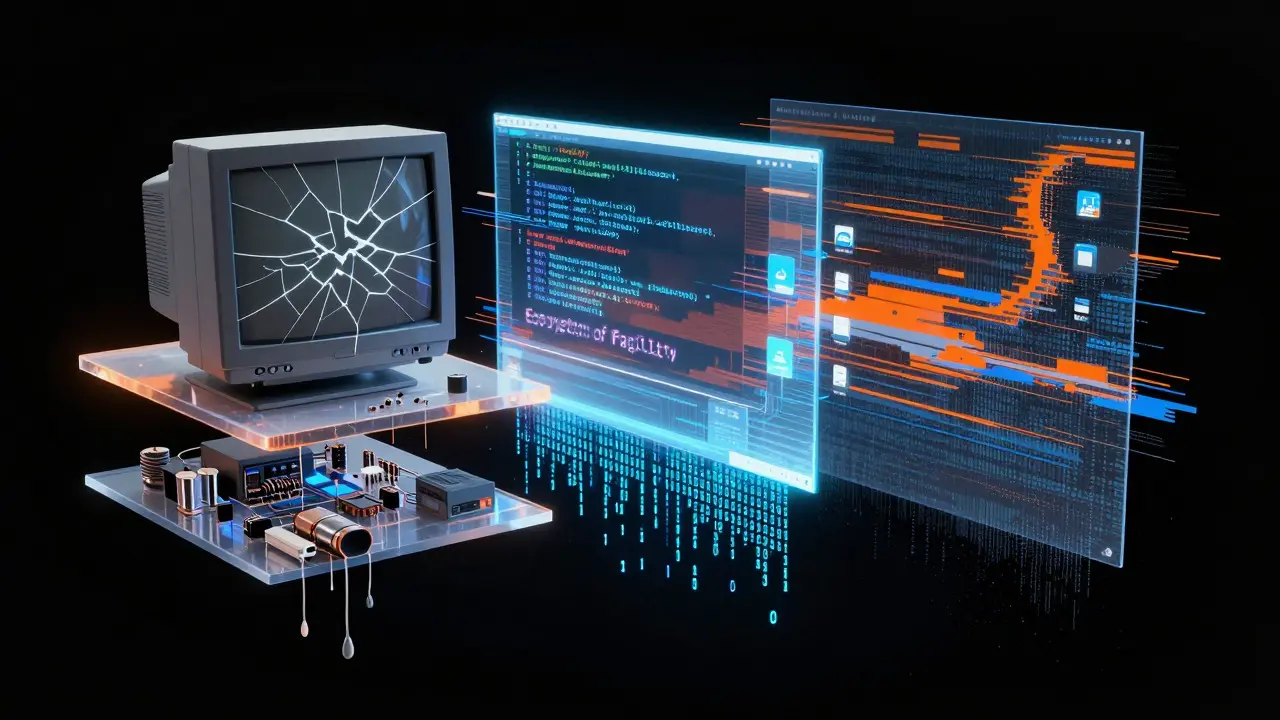
To understand why preservation is so hard, you have to look at what makes up these artworks. A typical contemporary new media piece involves three distinct layers:
- Hardware: The physical machines, such as CRT monitors, custom-built computers, sensors, or projectors. These degrade physically. Capacitors leak, fans fail, and screens burn in.
- Software: The operating systems, drivers, and applications required to run the content. Software depends on hardware compatibility. If the OS stops receiving security updates, it becomes vulnerable and difficult to install on modern machines.
- Data: The actual artistic content-video files, audio tracks, source code, or databases. Data suffers from Bit Rot is the gradual degradation of digital data storage over time, leading to errors. Even if the hardware works, the bits on the hard drive can flip, corrupting the file silently until it crashes.
Each layer introduces a point of failure. In traditional art conservation, we focus on material stability. In new media, we focus on functional stability. It’s less about keeping the object intact and more about keeping the machine running exactly as it did on opening night.
Why Emulation Is Not Always the Answer
Many people assume the solution is simple: just copy the files to a USB drive and put them in a drawer. But that ignores the context. If an artist creates an interactive piece that relies on real-time mouse tracking and specific latency settings, copying the video file doesn't capture the interaction. This is where Emulation is software that mimics the behavior of older hardware on newer platforms. comes in.
Emulation allows us to run old programs on new computers. However, it has pitfalls. Sometimes, the timing feels off. The frame rate might be slightly different, changing the rhythm of the animation. Other times, the input lag changes, making an interactive piece feel sluggish. Curators must decide: do we preserve the exact technical environment (which requires maintaining obsolete hardware), or do we accept a slight shift in performance to keep the piece accessible? There is no perfect answer, only trade-offs.
| Strategy | Pros | Cons | Best For |
|---|---|---|---|
| Migrating Hardware | Keeps original look/feel | High maintenance cost, parts scarcity | Iconic pieces with strong visual identity |
| Emulation | Lower long-term hardware cost | Potential timing/performance drift | Interactive or software-heavy works |
| Reinterpretation | Ensures future accessibility | Risks altering artist's intent | Works where concept matters more than tech |
The Role of Documentation
If the technology fails completely, documentation is your last line of defense. But good documentation for new media is not just a photo of the screen. You need a comprehensive record of how the piece works. This includes:
- Technical Specifications: Exact models of hardware, version numbers of software, and configuration settings.
- Process Notes: How the artist built the piece, including any custom code or hacks used.
- Performance Video: A high-quality recording of the work in action, capturing motion, sound, and interaction.
- Artist Intent Statements: Written notes from the artist explaining which aspects are critical to the meaning of the work.
Without these details, a future conservator is guessing. They might replace a CRT monitor with an LED panel because it’s easier to find, but if the artist specifically chose the CRT for its scanlines and refresh rate flicker, the new screen fundamentally changes the aesthetic. Documentation bridges the gap between the current state and the original intent.
Costs and Budgeting Realities
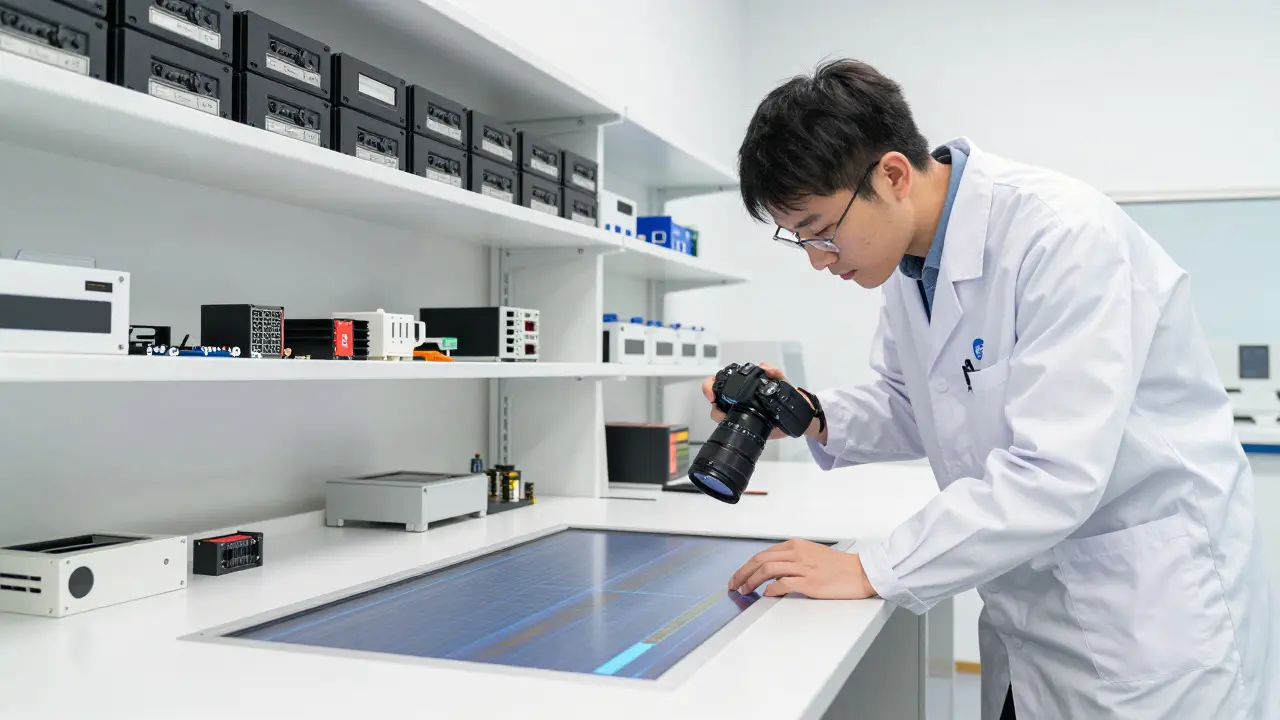
Preserving new media art is expensive. Traditional painting conservation might involve cleaning and varnishing once every fifty years. New media pieces often require annual checks, quarterly backups, and constant monitoring. The budget needs to account for:
- Labor: Specialized technicians who understand both art and engineering.
- Storage: Climate-controlled environments for hardware and redundant cloud storage for data.
- Contingency: Funds set aside for sudden hardware failures or urgent software migrations.
Collectors often underestimate this ongoing cost. Buying the piece is the initial expense; keeping it alive is a subscription fee to history. Institutions like museums have dedicated departments for this, but private collections often struggle without institutional support. This financial burden can discourage collectors from acquiring new media works, creating a gap in the market for historically significant digital art.
Future-Proofing Your Collection
So, how do you approach collecting or curating these works today? First, talk to the artist early. Ask them what they consider essential. Some artists are flexible; others are rigid. Second, diversify your preservation strategy. Don't rely on one method. Keep the original hardware if possible, create emulated versions, and store master data files in multiple locations. Third, stay connected to the community. Groups like the Association of Computing Machinery is a professional organization for computer scientists and engineers. and specialized art tech collectives share knowledge on rare hardware repairs and software fixes.
Finally, accept that change is inevitable. Technology moves fast. The goal isn't to freeze time, but to manage the transition carefully. By understanding the layers of fragility, documenting thoroughly, and budgeting realistically, you can ensure that these fleeting digital moments endure for the next generation.
What is the biggest risk in preserving new media art?
The biggest risk is technological obsolescence combined with lack of documentation. If the hardware breaks and no one knows how to repair or replace it correctly, the work becomes unviewable.
Is digitization enough to save a new media artwork?
Not always. Digitization saves the data, but it may lose the interactive or temporal aspects of the work. For purely static images, yes. For interactive or time-based pieces, you also need to preserve the software environment or document the interaction deeply.
How often should I back up digital art files?
At least annually, and after any major update or migration. Use the 3-2-1 rule: three copies of the data, on two different types of storage media, with one copy off-site or in the cloud.
What is bit rot and how does it affect art?
Bit rot is the gradual corruption of digital data over time. In art, this means a video file might start playing with glitches or skip frames. Regular checksum verification helps detect this before it becomes noticeable.
Should I buy original hardware for my collection?
It depends on the work. If the specific hardware is central to the aesthetic (like a specific CRT monitor), then yes. If the work is primarily about the code or image, emulation might be sufficient and cheaper to maintain.