Best Ticketing Systems for Gallery Events: Platforms and Pricing Guide
Quick Takeaways for Gallery Owners
- Low Volume/High Value: Stick to simple tools like Eventbrite or RSVP-based systems.
- Recurring Exhibitions: Look for platforms with member-only pricing and CRM integration.
- Cost Control: Decide between flat-fee per ticket or monthly subscription models to protect your margins.
- User Experience: Prioritize mobile-friendly check-ins to keep the gallery entrance clear.
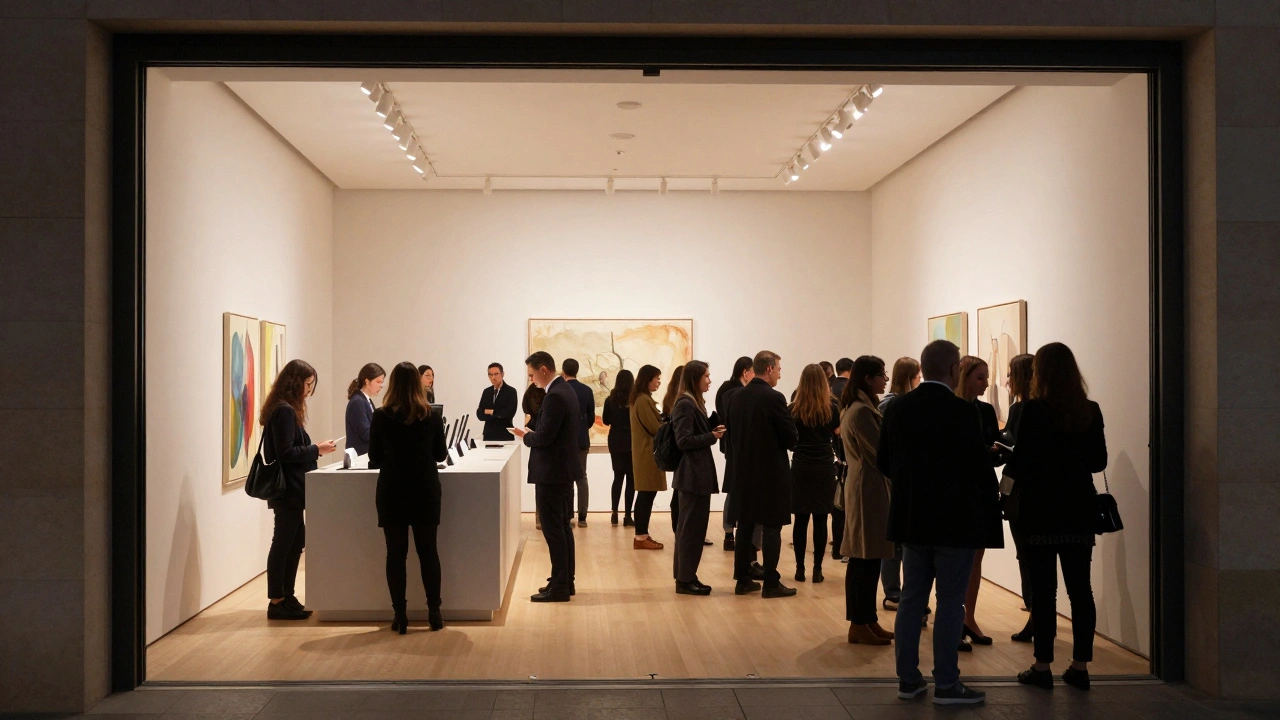
When you're managing an art space, you need more than just a "buy" button. You need a way to track RSVPs, manage a VIP list for collectors, and maybe even sell a few limited-edition prints alongside the ticket. For most, gallery ticketing systems is a specialized category of event management software designed to handle admissions, guest lists, and capacity limits for cultural venues. Whether you're running a small pop-up in a warehouse or a permanent fixture in a museum district, the software you choose dictates how your guests feel the moment they arrive.
Choosing the Right Platform for Your Venue
Not all ticketing software is built the same. If you are running a free opening night, you don't need a heavy-duty enterprise system. But if you're hosting a paid masterclass or a ticketed gala, the stakes are higher. You have to consider how the platform handles CRM (Customer Relationship Management), which is essentially your digital Rolodex of collectors and patrons.
For most galleries, Eventbrite is the default starting point. It's a global self-service ticketing platform that allows organizers to create, promote, and manage events. It works because it's fast and everyone knows how to use it. However, the fees can bite into your profits if you're selling high-volume, low-cost tickets. If you need something more tailored to the arts, platforms like TicketTailor offer a different approach by charging a flat monthly fee rather than a percentage of every sale, which is a huge win for galleries with steady event calendars.
| Platform | Best For | Pricing Model | Key Feature |
|---|---|---|---|
| Eventbrite | General Public Reach | Per-ticket fee | Discovery Engine |
| TicketTailor | Budget Control | Flat monthly fee | Low overhead costs |
| DICE | Youth/Modern Art | Variable/Commission | Mobile-first experience |
| Event Tickets (WP) | Self-Hosted Sites | Free/Plugin cost | Full site integration |
Understanding Pricing Models: Where the Money Goes
Pricing in the ticketing world is notoriously confusing. You'll usually run into three main structures. First is the per-ticket fee. This is where the platform takes a cut, say $1.00 or 2.5%, of every ticket sold. This is great for free events because the platform doesn't charge you for free tickets, but it can get expensive for a paid exhibition where you're trying to keep the entry price low.
Second is the subscription model. You pay a flat fee every month regardless of whether you sell ten tickets or ten thousand. This is ideal for galleries that host weekly events. If you have a consistent flow of visitors, the cost per ticket drops significantly over time. Third is the commission model, often seen in high-end curated platforms, where they take a percentage of the total gross. This usually comes with more marketing support, which might be worth it if you're trying to attract a new crowd from outside your usual circle.
The Logistics of the Guest List: VIPs and Collectors
In a gallery setting, not all guests are equal. You have the general public, the press, and the "whale" collectors who might buy half the show before it officially opens. Your system needs to handle tiered access. You don't want your VIPs waiting in the same line as everyone else.
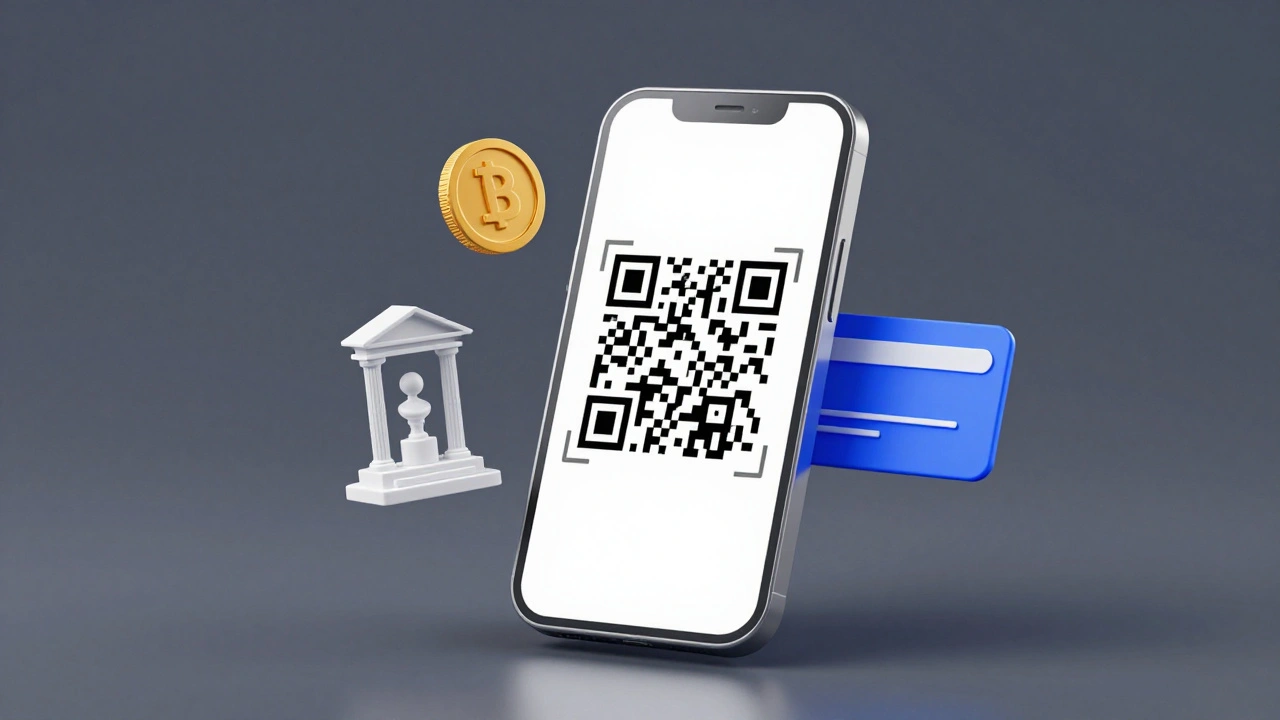
A professional setup involves using QR Code scanning for entry. Instead of crossing names off a list with a pen, your staff uses a smartphone to scan a ticket. This provides real-time data. If you notice that 80% of your guests arrived in the first hour, you can adjust your staffing or the flow of the room immediately. Moreover, this data allows you to see who actually showed up versus who just RSVP'd, which is vital for building a reliable mailing list for future shows.
Avoiding Common Pitfalls in Art Event Management
One of the biggest mistakes galleries make is ignoring the "leakage" in their ticketing process. This happens when a platform is too hard to use, and potential visitors drop off at the payment screen. If your checkout process takes more than three clicks, you're losing people. Ensure your platform supports Apple Pay or Google Pay to make the transaction frictionless.
Another trap is the "free event" fallacy. Even if your event is free, you should still require a ticket. Why? Because a ticket is a commitment. People are far more likely to attend an event if they have a digital ticket in their wallet than if they just saw a post on Instagram. It also gives you a way to send reminder emails 24 hours before the event, which can boost your actual attendance rate by as much as 30%.
Integrating Ticketing with Gallery Sales
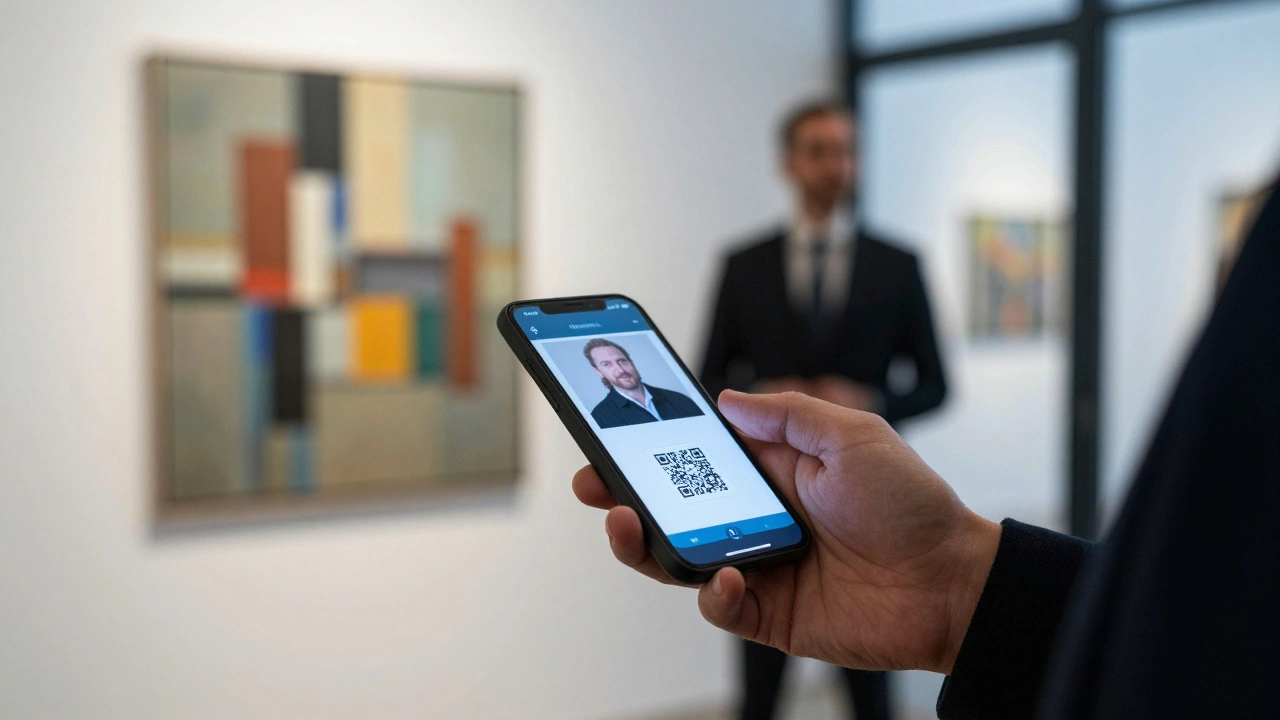
If you're selling art, your ticketing system shouldn't exist in a vacuum. The goal is to move someone from a "ticket holder" to a "collector." This is where Payment Gateways like Stripe or PayPal, which process the actual financial transactions, become important. If your ticketing system uses the same gateway as your art sales, you can see a full customer journey: they bought a ticket for the opening, then they bought a $2,000 painting two hours later.
For those using WordPress for their gallery site, integrating a plugin like WooCommerce allows you to sell tickets as products. This keeps all your financial data in one place and avoids the "platform jump" where users have to leave your site to go to a third-party ticket seller. While this requires more setup, it gives you total control over the branding and the customer data.
Which ticketing system is best for free gallery openings?
For free events, Eventbrite is often the best choice because it doesn't charge fees for free tickets and has a built-in discovery tool that helps new visitors find your gallery. However, if you want to keep all your data in-house without third-party branding, a simple RSVP form integrated with a Google Sheet or a basic WordPress plugin is a better, more private alternative.
How do I handle VIP lists without making others feel left out?
The best way is to create "Hidden Tickets." Most professional platforms allow you to create a ticket type that isn't visible on the public page. You send a private link to your VIPs. This allows them to register through the same system as everyone else, but they get a special ticket designation that your staff recognizes at the door for priority entry.
Do I need a physical ticket scanner?
No, you don't need dedicated hardware. Almost every modern ticketing system has a free "Organizer App" that turns any smartphone camera into a QR scanner. This is far more efficient than paper lists and allows multiple staff members to check people in simultaneously from different points of entry.
How can I reduce the number of "no-shows" for my events?
The most effective method is the automated reminder. Set your system to send an email 48 hours before and a text reminder 4 hours before the event. Additionally, charging a small, refundable deposit (e.g., $5) can significantly increase the actual attendance rate, as people are more likely to commit if they have a financial stake.
What is the most cost-effective pricing model for a small gallery?
If you host more than two paid events per month, a flat-fee subscription model (like TicketTailor) is usually cheaper than a per-ticket fee. If you only do one big event a year, a per-ticket model is better because you only pay when you're actually making money from sales.
Next Steps for Your Gallery
If you're just starting out, don't overcomplicate it. Start with a free tool to get your first few shows running. Once you hit a point where you're managing more than 100 guests per event, move toward a system that offers better CRM integration. If you find that your guest list is mostly the same group of people, it's time to look for a platform that supports membership tiers, allowing your most loyal patrons to get automatic early access to every new exhibition.