Adding Virtual Components to a Physical Art Gallery
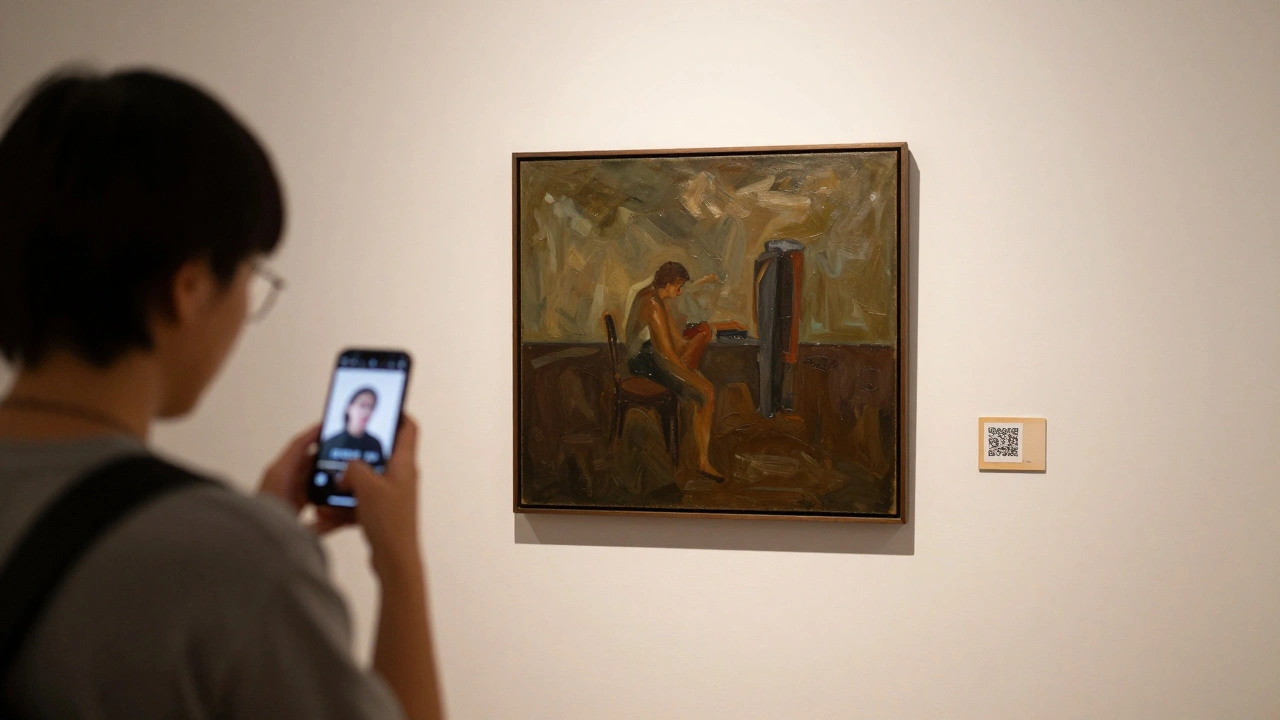
Most people still think of art galleries as quiet rooms with white walls and framed paintings. But in 2026, that’s changing fast. A growing number of physical galleries are adding virtual components-digital layers that turn a static space into an interactive, ever-evolving experience. This isn’t about replacing the real with the digital. It’s about using technology to deepen the connection between art, artist, and viewer.
Why Add Virtual Elements to a Physical Space?
Why bother adding screens, apps, or AR headsets to a place where people come to see real objects? Because art doesn’t live in isolation. A painting on the wall tells only part of the story. Who made it? What inspired it? How was it made? What does it mean today? Virtual components answer those questions without cluttering the space.
Take the Portland Art Collective. Last year, they added a simple QR code next to each piece. Scan it, and you get a 90-second video from the artist explaining their process. No headphones. No app download. Just a moment of direct connection. Attendance jumped 37% in six months. Visitors stayed 42% longer. They weren’t just looking-they were listening.
What Virtual Components Actually Work?
Not every tech gimmick belongs in a gallery. Here’s what’s actually making a difference right now:
- QR codes linked to artist interviews - Simple, free, and works on any phone. No login needed.
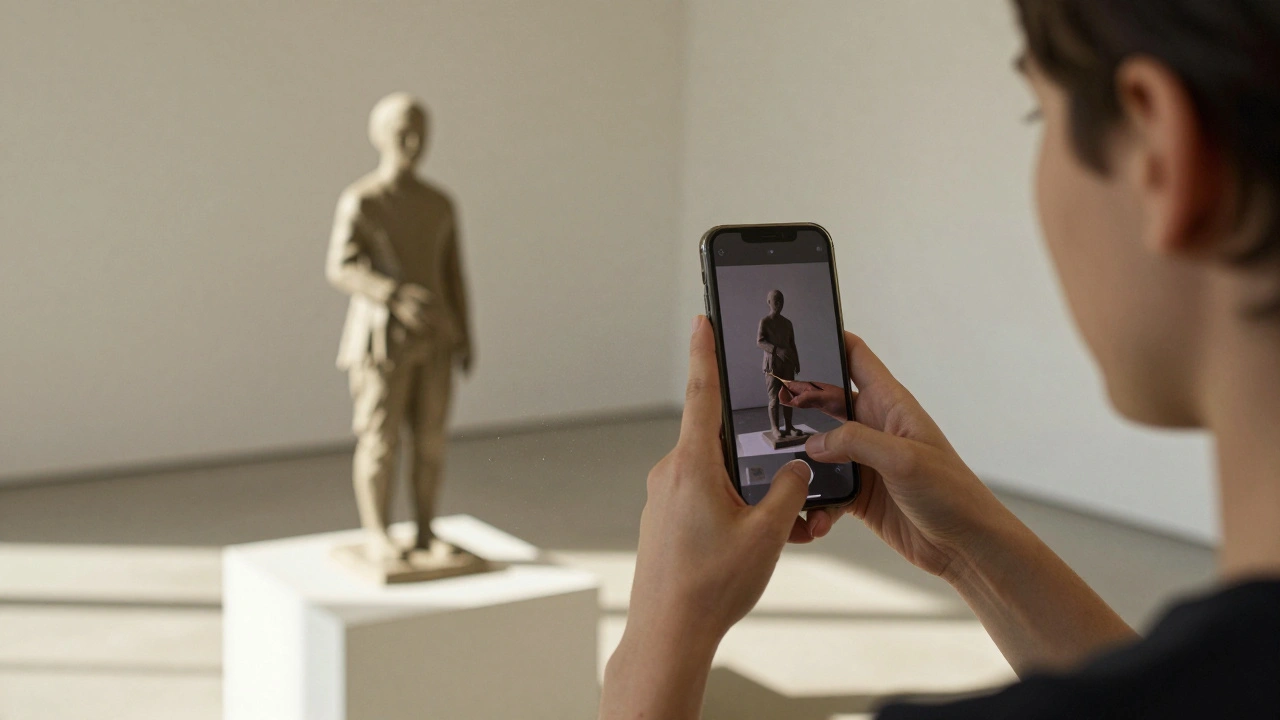
- AR overlays via smartphone - Point your camera at a sculpture and see a timelapse of how it was carved. Or watch a digital brushstroke appear over a canvas as the artist painted it.
- Projection-mapped soundscapes - A black-and-white photograph of a city street? Play the ambient noise of that street from 1978. It doesn’t change the image. It deepens it.
- Real-time data feeds - A series of abstract paintings inspired by climate data? Show live temperature, wind speed, or CO2 levels from the artist’s hometown on a small screen nearby.
- Private digital companion apps - Visitors can opt into a free app that tracks which pieces they viewed and sends them curated follow-up content: essays, playlists, or upcoming artist talks.
These aren’t flashy. They’re thoughtful. They don’t distract. They invite.
How to Start Small Without Breaking the Bank
You don’t need a $50,000 AR system to begin. Start with one piece. Pick a single artwork that has a compelling backstory. Then ask: What would help someone understand this better?
For example, a local sculptor used reclaimed wood from a demolished church. Instead of just labeling it "reclaimed wood," the gallery created a short audio clip of the church bell ringing-recorded the day before demolition. Played through a small, hidden speaker near the sculpture. Visitors said it made them cry.
Tools to try:
- Canva - Free templates for QR code graphics.
- Adobe Express - Turn photos into short, silent video loops.
- Twilio - Send automated texts with artist quotes after a visitor scans a code.
- Artivive - A free AR app for galleries that lets you overlay digital content without coding.
One gallery in Eugene added QR codes to 12 pieces. Cost: $200. Time spent: 12 hours. Result? 80% of visitors scanned at least one. 65% said they’d return because of the "hidden layers."
What Not to Do
Some galleries go too far. They turn spaces into tech demos. That’s the wrong approach.
Avoid:
- Overloading walls with screens. One digital display per 5-7 physical pieces is enough.
- Requiring downloads or logins. If it takes more than 3 seconds to access content, people won’t bother.
- Using flashy animations that compete with the art. The tech should serve the piece-not steal the spotlight.
- Ignoring accessibility. Always offer audio descriptions, text alternatives, and low-light modes.
The goal isn’t to impress. It’s to connect.
Real Impact: How Visitors Experience It
When you add virtual components, you’re not just changing how people see art-you’re changing how they remember it.
A study from the University of Oregon tracked visitor recall. After visiting a gallery with only physical pieces, people remembered 40% of the artwork two weeks later. After visiting the same gallery with virtual enhancements, recall jumped to 78%. Why? Because the digital layers created emotional anchors. A voice. A sound. A moment of context.
One visitor, a retired teacher from Beaverton, told the gallery: "I didn’t just see the painting. I felt like I was in the room with the artist. That’s never happened before."

Who Benefits?
Artists gain deeper engagement. Collectors get richer context. Curators can tell more nuanced stories. And visitors? They leave with more than a memory-they leave with a feeling.
Virtual components don’t replace the physical. They elevate it. A painting on canvas is still powerful. But when you add the artist’s voice, the environment that inspired it, or the history behind the pigment-it becomes unforgettable.
It’s not about being high-tech. It’s about being human.
Next Steps for Gallery Owners
Ready to try this? Here’s your simple roadmap:
- Pick one artwork with a strong story.
- Ask the artist: "What’s one thing you wish people knew about this piece?"
- Turn that into a 60-second audio clip, short video, or AR layer.
- Add a QR code or simple app trigger next to it.
- Track scans and feedback for 30 days.
- Expand to two more pieces. Then five.
You don’t need a tech team. Just curiosity. And a willingness to let art speak in more than one way.
Do virtual components replace the need for physical art?
No. Virtual components enhance physical art-they don’t replace it. The texture of paint, the weight of a sculpture, the presence of an object in space-all of that matters. Digital layers add context, emotion, and depth, but they’re meant to complement, not compete. The most successful galleries keep the physical experience sacred and use tech to make it richer.
Can small galleries afford this?
Absolutely. Many tools are free or low-cost. QR codes cost nothing. Apps like Artivive let you create AR overlays without coding. A simple audio clip recorded on a phone and hosted on SoundCloud is under $10 a year. The biggest investment isn’t money-it’s time. Spend an afternoon talking to artists, recording their stories, and testing what works. Start with one piece. You’ll be surprised how far a small addition can go.
Will younger audiences prefer digital-only galleries?
Not necessarily. Surveys show that people aged 18-35 still value physical gallery visits-they just want more meaning. A digital-only gallery feels impersonal. A hybrid space feels intentional. Younger audiences are drawn to galleries that blend the tactile with the digital, especially when the tech feels authentic and not forced. They don’t want to scroll through art on their phone. They want to see it in person-and then learn more.
Is augmented reality (AR) necessary?
No. AR is impressive, but it’s not required. Many galleries succeed with simple QR codes and audio. In fact, AR can be a barrier if visitors need to download apps or wear headsets. The best virtual components are frictionless. If a visitor can access the extra layer with one tap on their phone, they’ll use it. If it takes three steps, they won’t.
How do you avoid tech overload?
Limit it. One digital layer per 5-7 physical pieces. Keep it quiet. No flashing lights. No loud sounds. No pop-ups. Let the art lead. The tech should feel like a whisper, not a shout. Always ask: Does this help someone feel more connected to the art-or just more impressed by the tech? If it’s the latter, cut it.