ADA Compliance for Online Gallery Websites: What You Need to Know in 2026
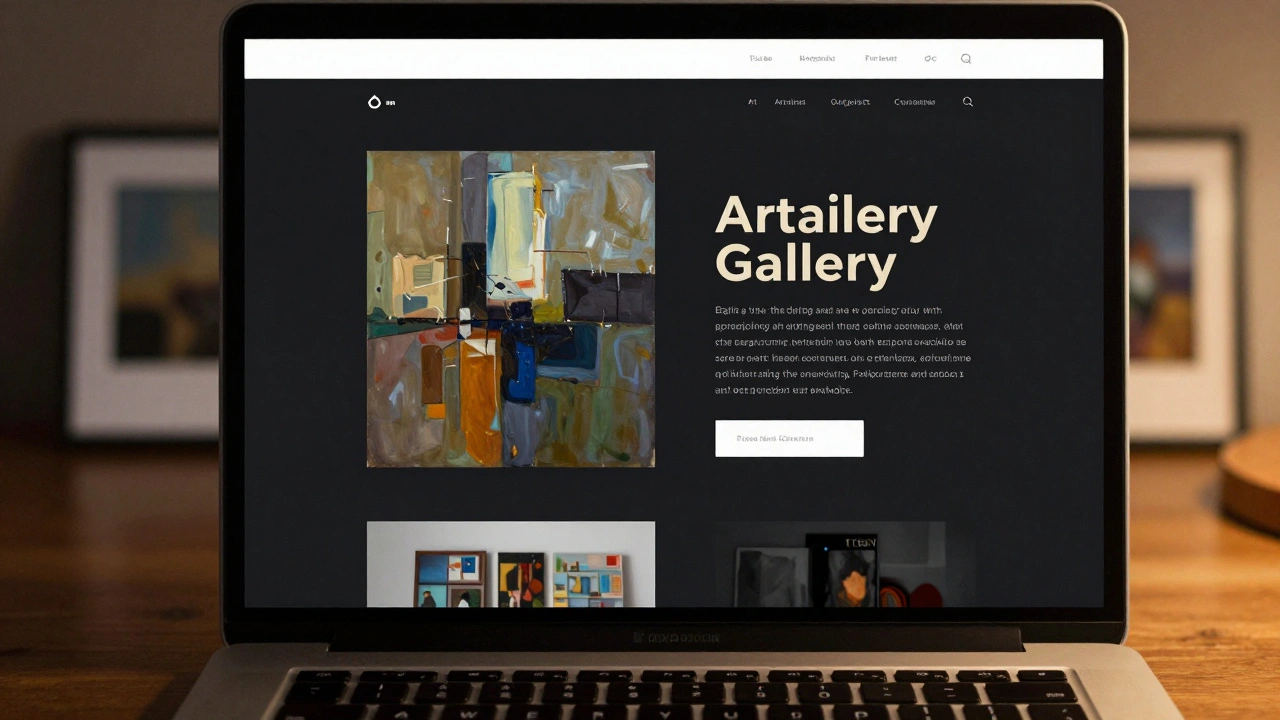
Imagine someone using a screen reader to browse your online art gallery. They hear "image 12 of 45" but no description. No title. No artist. No context. Just silence. That’s not just a bad experience-it’s a legal risk. With more than 60 million Americans living with disabilities, and court cases rising every year, ADA compliance for online gallery websites isn’t optional anymore. It’s the baseline for staying open, ethical, and reachable.
What ADA Compliance Actually Means for Art Websites
The Americans with Disabilities Act (ADA) doesn’t just cover physical spaces like museums or theaters. Since 2018, federal courts have consistently ruled that websites are public accommodations under Title III of the ADA. That includes online art galleries, auction sites, and digital exhibition platforms. If your website serves the public-especially if you sell artwork, tickets to virtual events, or accept donations-you’re legally required to make it accessible.
It’s not about making your site look different. It’s about making it work for everyone. A person who’s blind shouldn’t have to guess what a painting looks like. Someone with limited hand mobility shouldn’t need a mouse to navigate your collection. A visitor with cognitive differences shouldn’t get lost in confusing menus.
Key Areas That Break Accessibility on Art Sites
Most online galleries fail in five common areas:
- Missing image descriptions - Every artwork image needs an alt text that describes the piece: artist, title, medium, subject, and emotional tone. "Portrait of woman in red dress" isn’t enough. "Untitled (Red Dress), 1989, oil on canvas by Maria Chen, depicts a woman gazing out a window, light catching the folds of her dress." That’s what works.
- Keyboard traps - If someone can’t use a mouse and relies on Tab to move through your site, they shouldn’t get stuck in a gallery slider or modal popup. Test your site with just your keyboard. If you can’t exit a popup without a mouse, you’ve got a problem.
- Low contrast text - Many art sites use dark backgrounds with gray or white text for "aesthetic" reasons. But if the contrast ratio is below 4.5:1 (WCAG standard), text becomes unreadable for people with low vision or color blindness. Tools like WebAIM’s Contrast Checker can test this instantly.
- Auto-playing video/audio - Background music or video loops on homepage banners? They’re a nightmare for people with sensory processing disorders. Always include pause, stop, and volume controls. And never auto-play with sound.
- Unclear navigation - "View Collection" links that change based on hover? Dropdown menus that disappear if you move your cursor slightly? These are barriers. Use clear, consistent labels. Keep menus simple. Use ARIA labels if needed, but don’t overuse them.
How to Fix Your Gallery Website Step by Step
Start here. Don’t try to fix everything at once. Prioritize based on impact.
- Run an accessibility audit - Use free tools like WAVE (webaim.org/wave) or Axe Browser Extension. They’ll flag missing alt text, contrast issues, and keyboard traps. Don’t ignore the warnings.
- Write descriptive alt text for every image - Include artist, title, year, medium, and key visual elements. For abstract art, describe mood or composition: "A swirling blue and black abstract piece evoking stormy ocean waves."
- Fix keyboard navigation - Press Tab on your site. Can you reach every link, button, and form? Can you close popups? If not, rework the HTML structure. Use semantic elements like
<button>and<nav>instead of divs. - Test color contrast - Use a tool like Contrast Checker. Text on dark backgrounds? Increase brightness or darken the background. Don’t sacrifice readability for design.
- Add captions and transcripts - If you have video tours, artist interviews, or audio guides, provide synchronized captions and downloadable transcripts. This helps people who are deaf or hard of hearing, and also improves SEO.
- Train your team - Your web developer, content writer, and photographer all need to understand accessibility. A beautiful photo with no alt text is still an accessibility failure.
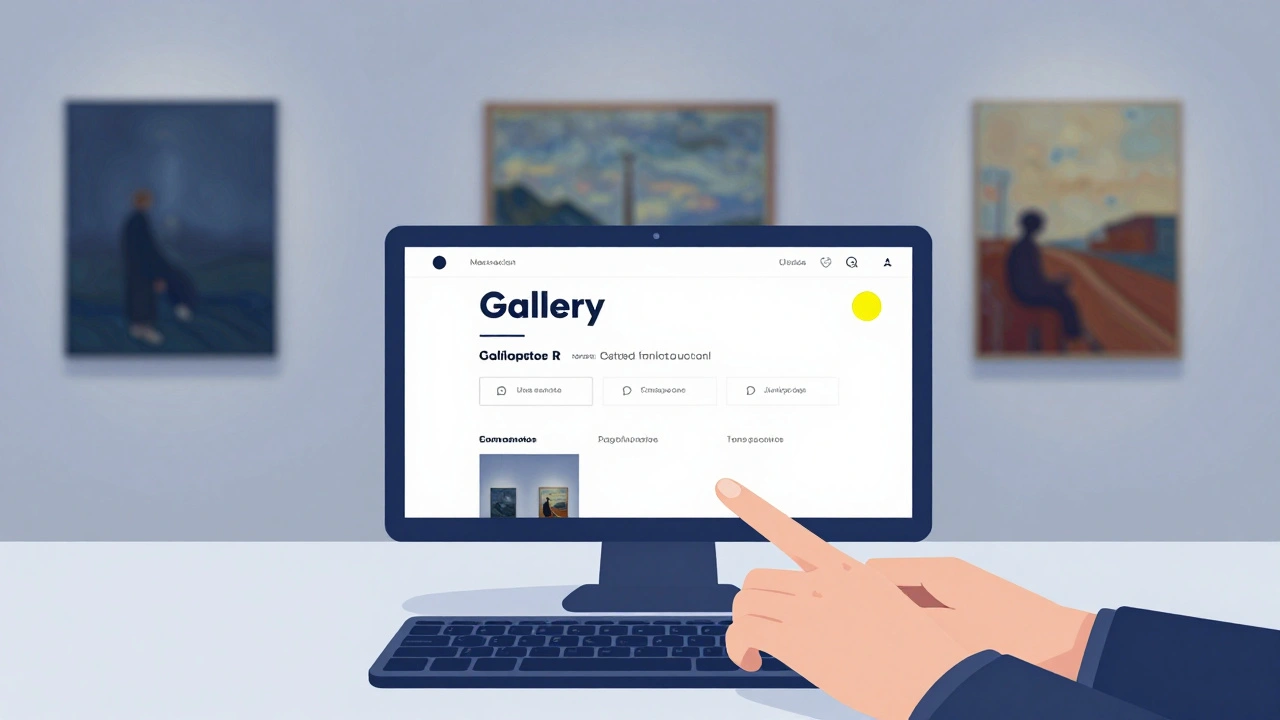
Real Examples: What Works
The MoMA Online Collection is a gold standard. Every artwork has detailed alt text, keyboard-navigable galleries, high-contrast text, and transcript-enabled video tours. They don’t just meet ADA-they exceed it.
Smaller galleries are catching up too. The Portland Art Collective, a local online gallery based here in Oregon, redesigned their site in 2024 after receiving a complaint. They added alt text, fixed contrast, and made their checkout form fully keyboard-accessible. Sales from users with disabilities increased by 37% in six months.
One gallery owner in Chicago told me: "I thought accessibility was about charity. Turns out, it’s about customers. People with disabilities have spending power. And they notice when you care enough to make your site work for them."
Tools and Resources You Can Use Right Now
- WAVE - Free browser extension for quick audits.
- WebAIM’s Contrast Checker - Enter your text and background colors to test compliance.
- Alt Text Generator (by Accessible360) - AI tool that suggests alt text for art images (review and edit manually).
- WCAG 2.2 Guidelines - The official standard. Focus on Level AA for compliance.
- ADA.gov - Official U.S. government guidance on web accessibility.
What Happens If You Don’t Comply?
Legal action is rising fast. In 2025 alone, over 4,200 web accessibility lawsuits were filed in U.S. federal courts-nearly 30% targeted e-commerce or cultural sites. Many of these were against small galleries with under $1M in annual sales.
Penalties aren’t just fines. They’re injunctions: courts can order you to shut down your site until it’s fixed. Insurance won’t cover it. Reputation damage lasts longer than legal fees.
And here’s the quiet truth: most lawsuits start from a real person who couldn’t use your site. Someone who wanted to buy a print, donate to support an artist, or simply experience art. They didn’t sue to punish you. They sued because they were excluded.
Accessibility Isn’t a Cost. It’s a Connection.
ADA compliance isn’t about checking boxes. It’s about opening doors. Every descriptive alt text tells a story. Every keyboard-friendly menu lets someone explore art on their terms. Every caption gives voice to someone who’s been silent too long.
Art is meant to be seen, felt, and understood. If your website blocks access to it, you’re not just missing sales-you’re missing the point.
Start small. Fix one image today. Test one page this week. You don’t need a big budget. You just need to care enough to try.
Do I need ADA compliance if I don’t sell anything online?
Yes. Even if you don’t sell artwork, your website is still considered a public accommodation if it provides information about exhibitions, artist bios, event calendars, or donation options. Courts have ruled that access to cultural content is a public service, not just a commercial transaction.
Can I use an accessibility plugin instead of redesigning my site?
Plugins like accessiBe or UserWay can help with some issues, but they’re not a full solution. They can’t fix poor image descriptions, keyboard traps, or confusing navigation. Relying on them alone is risky. True compliance comes from building accessibility into your code, not layering it on top.
What if my website is built on a platform like Squarespace or Wix?
Platforms like Squarespace and Wix offer accessibility features, but they don’t guarantee compliance. You still need to write proper alt text, avoid auto-playing media, and test keyboard navigation. Many templates have hidden accessibility flaws. Always audit your site-even if it’s "built for accessibility."
How much does it cost to make an art website ADA compliant?
It varies. For a small gallery with 50 images, fixing alt text, contrast, and navigation might take 10-20 hours of work. That’s roughly $500-$1,500 if you hire a developer. If you do it yourself using free tools, it can cost nothing but time. The real cost is ignoring it-lawsuits average $25,000-$50,000 in legal fees alone.
Are there tax credits or grants for making websites accessible?
Yes. The IRS offers the Disabled Access Credit (Form 8826) for small businesses with gross receipts under $1 million. It covers up to 50% of accessibility costs, including website fixes. Some state arts councils also offer grants for digital accessibility. Check with your local arts agency.
Next Steps: Start Today
Open your website. Go to one artwork page. Look at the image. Now, imagine you can’t see it. What would you want to know? Write that down. Then write it as alt text. That’s your first step.
Accessibility isn’t a project. It’s a practice. Do it once, then do it again. Every time you upload new art, add the description. Every time you update the menu, test the keyboard. Make it part of your routine.
The art world has always been about seeing differently. Now, it’s time to build a space where everyone can see-on their own terms.