Accessible Gallery Design: ADA Compliance and Universal Access
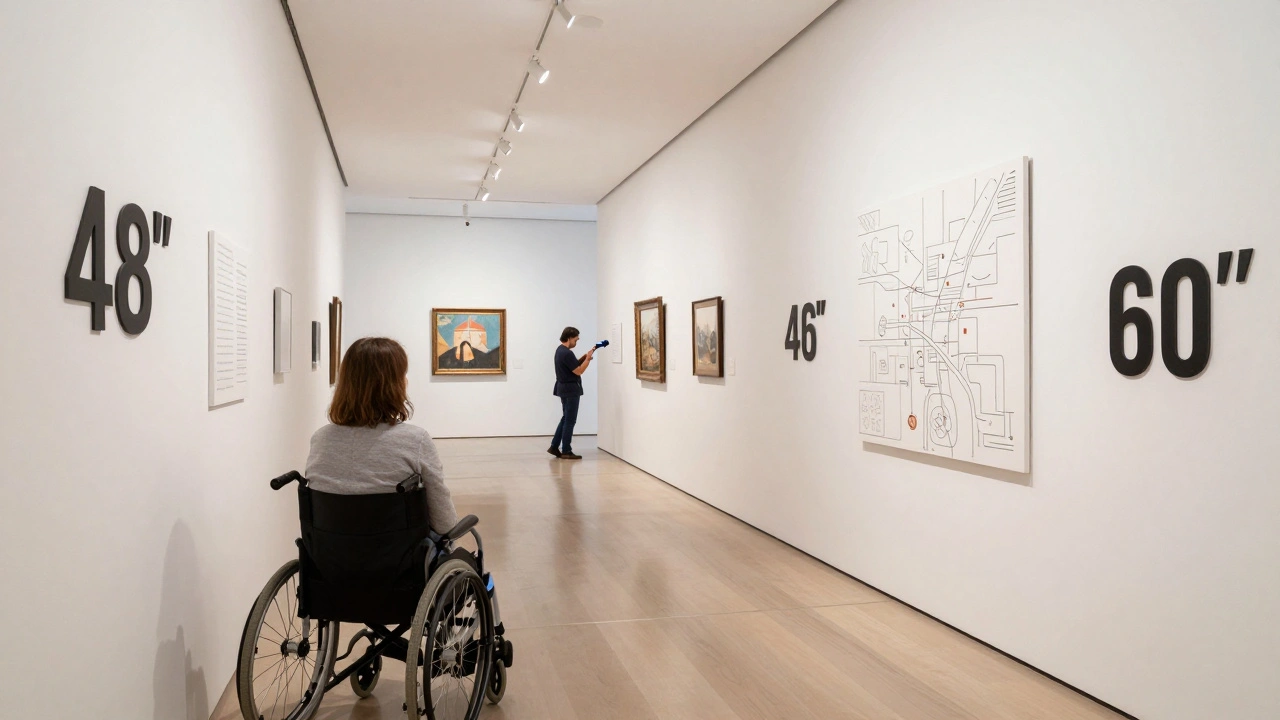
When you walk into a gallery, you should be able to see every piece of art - not just the ones near the entrance. But too many spaces still make it hard for people with disabilities to experience art fully. This isn’t about adding a ramp and calling it done. It’s about designing galleries so that everyone - no matter how they move, see, hear, or think - can connect with the work on the walls. If your gallery isn’t built for true accessibility, you’re not just missing visitors. You’re missing the point of art itself.
What ADA Compliance Really Means for Galleries
The Americans with Disabilities Act (ADA) isn’t a checklist. It’s a standard for equal access. For galleries, that means more than just installing handrails. It means rethinking layout, lighting, signage, and even how information is delivered. The ADA Standards for Accessible Design (2010) require clear pathways at least 36 inches wide, turning spaces for wheelchairs, and doorways that open easily. But most galleries miss the deeper requirements: accessible exhibits aren’t just about physical movement - they’re about sensory access too.
Take lighting. Many galleries use spotlights that create glare, making it impossible for people with low vision to see details. The ADA doesn’t say “use soft lights,” but it does require sufficient contrast between artworks and their backgrounds. A dark painting on a dark wall? That’s not art - it’s a barrier. The same goes for text labels. If they’re too small, too high, or printed in low-contrast fonts like gray on white, they’re unreadable for people with visual impairments. The solution? Large-print labels at multiple heights, tactile graphics, and audio descriptions you can access via QR codes or handheld devices.
Universal Design: Beyond the Minimum
ADA compliance is the floor, not the ceiling. Universal design means building for everyone from the start - not retrofitting after the fact. Think of it like this: a ramp helps someone in a wheelchair, but it also helps a parent with a stroller, a delivery worker with a cart, and an elderly visitor with a cane. The same goes for audio guides. They’re essential for blind visitors, but they’re also helpful for anyone distracted by crowds or trying to focus on the art.
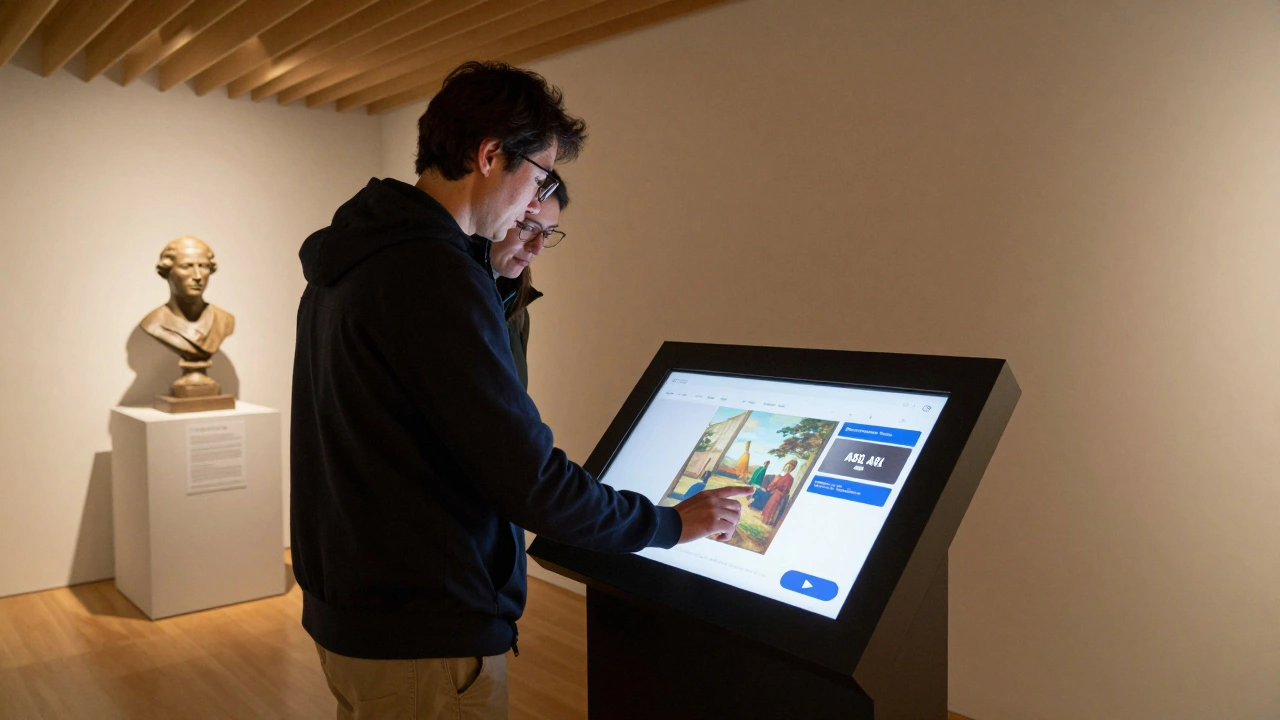
One Portland gallery, the Portland Art Museum a major cultural institution that has integrated universal design principles into its permanent exhibitions, replaced all wall-mounted labels with interactive touchscreens placed at knee height. Visitors can tap to hear descriptions, zoom in on details, or switch to American Sign Language (ASL) videos. The result? A 40% increase in visits from people with disabilities over two years - and no one had to ask for special accommodations.
Universal design also means considering neurodiversity. Bright, flickering lights or echoing sounds can overwhelm people with autism or sensory processing disorders. Simple fixes - like quiet hours, dimmable lighting, and sound-absorbing panels - make a huge difference. One small gallery in Eugene, Oregon, started offering “sensory-friendly openings” with reduced music, softer lighting, and no crowds. Attendance from families with autistic children doubled in six months.
Key Elements of an Accessible Gallery Layout
Here’s what actually works in real galleries, based on visits to over 30 accessible spaces across the U.S.:
- Pathways: Minimum 36 inches wide, no rugs or uneven flooring. Turns must allow for 60-inch diameter circles for wheelchair users.
- Exhibit height: Place key artworks between 48 and 60 inches from the floor - the range most people can see without craning their necks or bending over.
- Label placement: At least two sets: one at 48 inches (wheelchair eye level) and one at 60 inches (standing eye level). Use high-contrast colors - black on white, not navy on gray.
- Seating: Benches every 50 feet, with armrests and back support. Not just near restrooms - throughout the space.
- Restrooms: ADA-compliant stalls with grab bars, emergency call buttons, and wide doors. No exceptions.
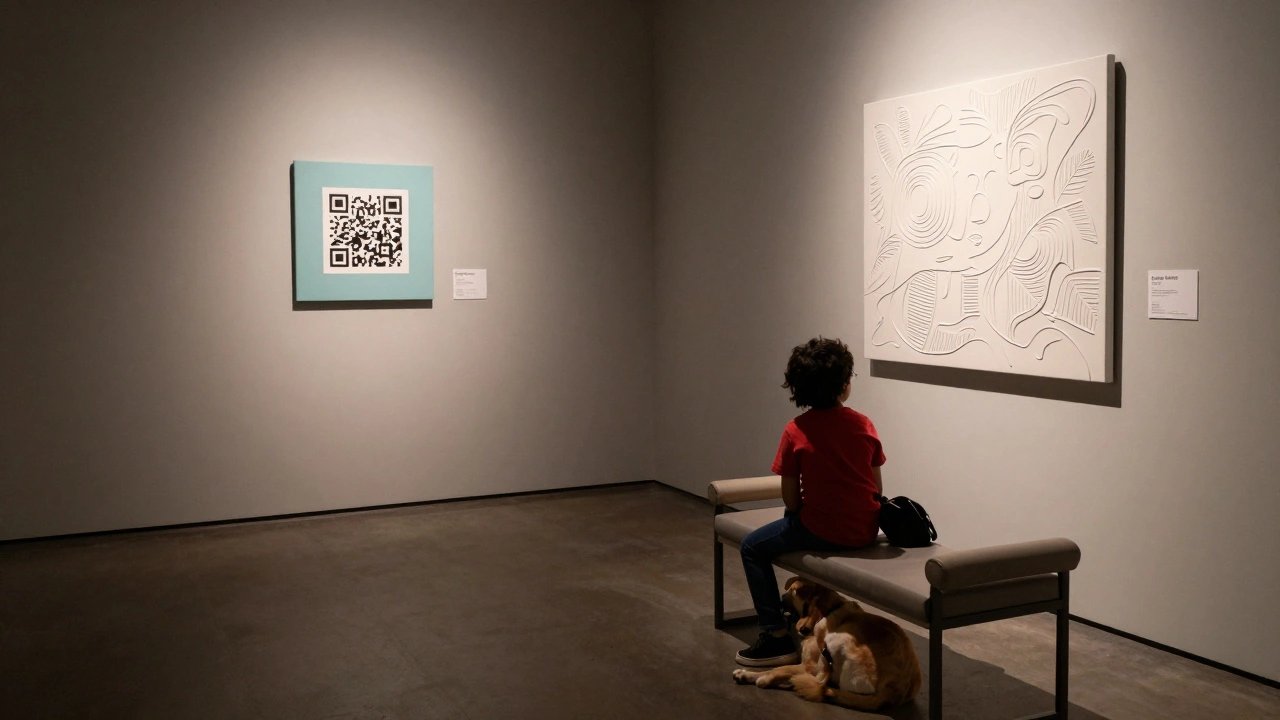
- Audio and tactile options: Every major exhibit should have a QR code linking to an audio description. Offer braille and raised-line maps at the entrance.
These aren’t suggestions. They’re the baseline for human-centered design. Skip one, and you’re excluding someone.
Technology That Makes a Difference
Technology isn’t the hero of accessibility - people are. But smart tools can remove barriers that human effort alone can’t fix.
Audio description apps are now common. Visitors scan a QR code, put on headphones, and hear a trained describer walk them through the artwork: “A woman in a blue dress stands by a window, sunlight catching the edge of her sleeve.” No fluff. Just clear, calm narration. The Smithsonian American Art Museum has used this system since 2022 and reports 72% of visitors with vision loss use it regularly.
Some galleries now offer haptic feedback gloves. When a visitor touches a 3D-printed replica of a sculpture, the gloves vibrate in sync with the shape’s contours - letting someone who is blind feel the texture of a marble bust. It’s not sci-fi. It’s happening in Chicago and San Francisco.
Even simple things help. A mobile app that lets users pre-plan their route - avoiding stairs, finding elevators, or skipping crowded rooms - reduces anxiety and increases visit time. One study from the University of Washington found that visitors using route-planning tools stayed 37% longer in galleries than those without.
Common Mistakes (And How to Fix Them)
Here’s what most galleries get wrong:
- Putting labels too high. Most galleries mount them at 72 inches - too high for wheelchair users. Solution: Lower them. Use wall-mounted brackets with adjustable height.
- Using glass cases without tactile access. If you can’t touch the art, blind visitors are left out. Solution: Offer replica objects nearby with braille labels.
- Assuming “everyone can read”. Not everyone reads English. Not everyone reads at all. Solution: Offer audio in multiple languages and pictorial guides.
- Forgetting service animals. ADA requires entry for trained animals. No “pet policy” exceptions. Make sure doors are wide enough and floors are easy to clean.
- Not training staff. If your front desk person doesn’t know how to use the audio guide system, it’s useless. Train everyone - from security to curators.
One gallery in Seattle thought they were accessible because they had a ramp. Then a blind visitor asked for help navigating the space. The staff had never been trained. The visitor left. That’s not accessibility. That’s negligence.
Why This Matters Beyond Compliance
Art isn’t just for the able-bodied. It’s for everyone who’s ever felt wonder, grief, joy, or confusion. When galleries exclude people with disabilities, they’re saying some stories don’t matter. That’s not just unethical - it’s artistically bankrupt.
Designing for accessibility expands your audience. It also deepens your impact. A gallery that welcomes all visitors becomes a place of connection, not just display. And in the long run, inclusive spaces attract more funding, better partnerships, and stronger community trust.
It’s not about charity. It’s about justice. Art belongs to everyone. Your gallery should reflect that.
Do I need to follow ADA guidelines even if I don’t get many visitors with disabilities?
Yes. ADA applies to all public accommodations, regardless of how many people with disabilities currently visit. The law is based on the principle of equal access, not demand. Plus, many people with disabilities don’t visit inaccessible spaces - not because they don’t want to, but because they can’t. Designing access now means you won’t lose potential visitors later.
Can I make my existing gallery accessible without a full renovation?
Absolutely. Start with low-cost, high-impact changes: lower wall labels, add audio descriptions via QR codes, install better lighting, and provide seating. Reallocate exhibit space to create wider pathways. You don’t need to rebuild - you need to rethink. Many galleries have improved access for under $5,000 using grants and community partnerships.
Are there funding options for making galleries accessible?
Yes. The National Endowment for the Arts offers accessibility grants. Many state arts councils have similar programs. Local disability organizations often partner with galleries to fund tactile exhibits or audio equipment. In Oregon, the Arts Access Program provides up to $10,000 per project for inclusive design upgrades.
What’s the difference between ADA compliance and universal design?
ADA compliance means meeting the minimum legal requirements for access. Universal design means building spaces that work for everyone without needing special accommodations. For example, a ramp meets ADA standards, but a gently sloping, wide pathway with handrails on both sides, non-slip surface, and clear signage is universal design. The latter benefits everyone - not just people with disabilities.
How do I know if my gallery’s signage is accessible?
Check three things: contrast (text must stand out clearly from background), size (minimum 1-inch tall letters for wall labels), and placement (at least two heights: 48” and 60”). Use a contrast meter app on your phone - it can tell you if your colors meet the 7:1 ratio recommended by WCAG. Also, avoid all-caps or decorative fonts. Simple, sans-serif fonts like Arial or Helvetica are easiest to read.